 Onwe Damian Chukwuemeka
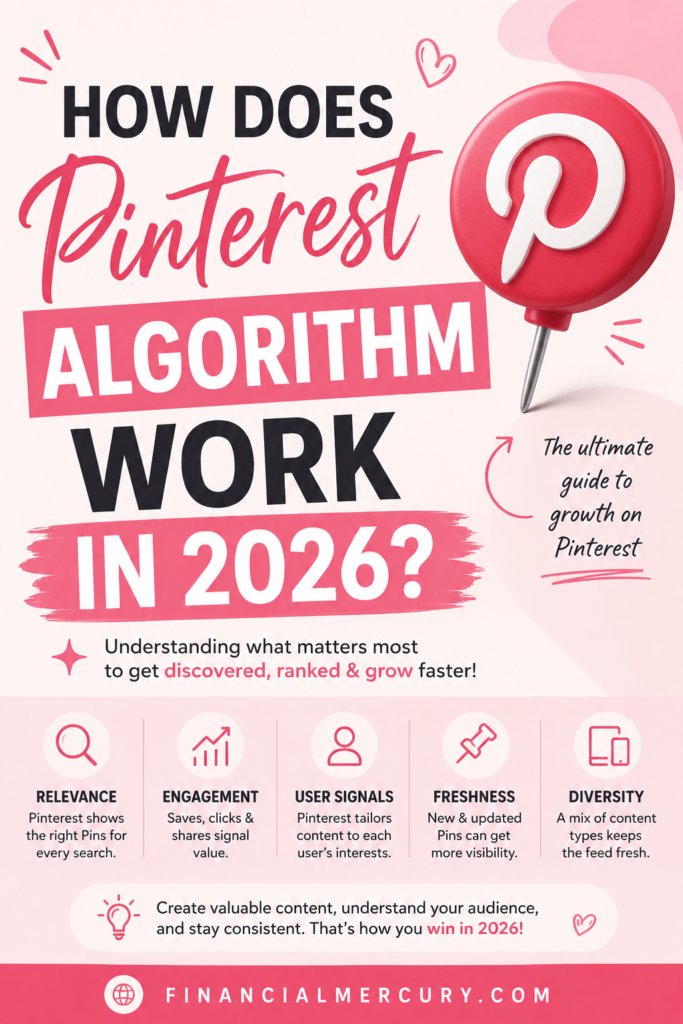
Pinterest isn’t just a social app, it works more like a visual search engine. How does Pinterest algorithm work? It ranks Pins based on relevance, quality, and freshness, and how people respond to them, then shows each person the content they’re most likely to save or click.
That means some Pins keep growing because they match a clear search intent and get steady engagement, while others fade fast. If you want more reach in 2026, you need to understand what Pinterest reads, why fresh Pin designs matter, and how your account signals trust.
You can also pair that with stronger Pinterest traffic strategies for bloggers and better timing for Pinterest pins to give your content a better shot at being seen.
What Pinterest is really trying to show people
Pinterest is trying to match each person with content they can use later. That might mean a recipe, a room layout, a travel plan, or a product they want to buy next month. The platform watches what people save, click, zoom in on, and search for, then it keeps showing more of the same kind of useful idea.
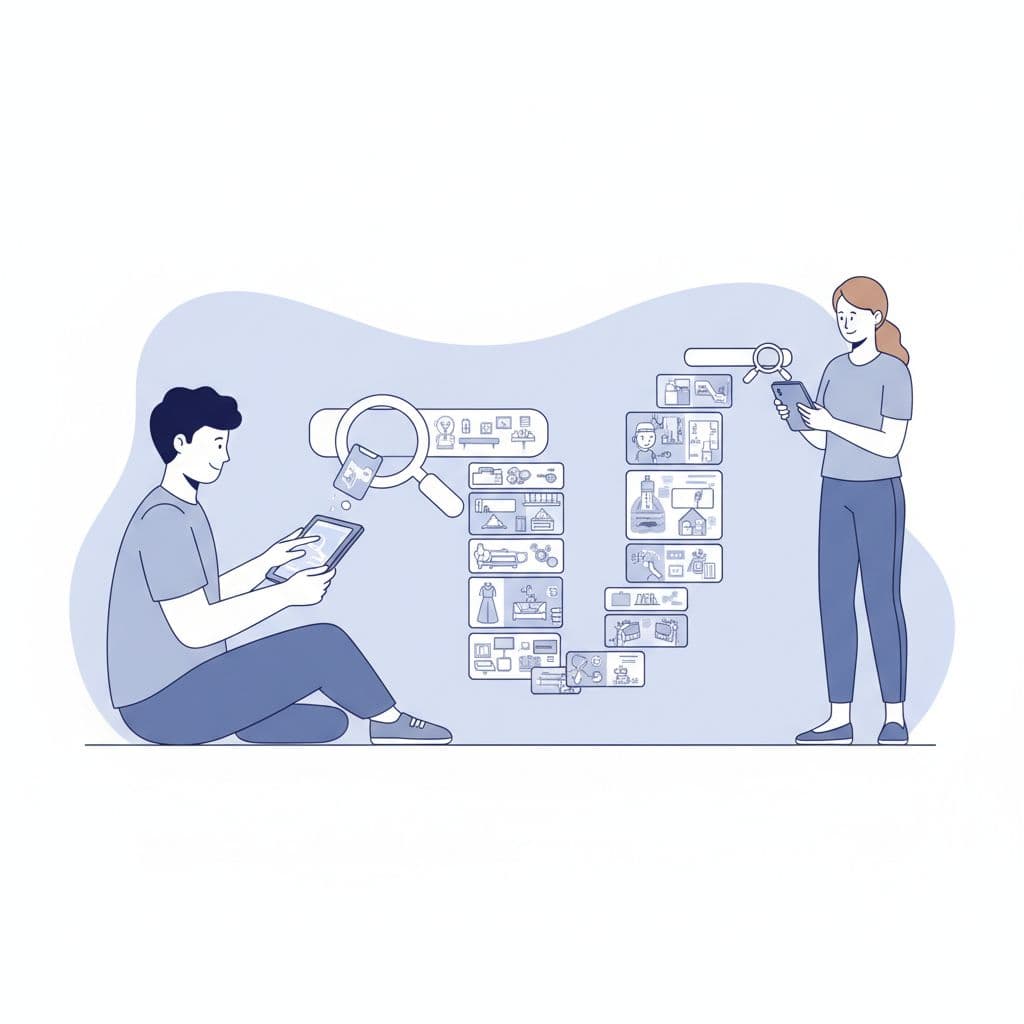
Why Pinterest behaves more like search than social media
Most people open Pinterest with a purpose. They want an answer, a spark, or a plan. That changes everything, because Pinterest does not mainly ask, “Who do you follow?” It asks, “What are you looking for right now?”
That is why the platform behaves more like a search engine than a social feed. On Instagram or TikTok, quick reactions and follower counts can carry a lot of weight. On Pinterest, relevance matters more. If a Pin matches a user’s idea, Pinterest is more likely to show it, even if the creator has a small audience.
This is also why a Pin can perform well long after it was posted. A home decor Pin from last spring can still surface when someone searches for fall bedroom ideas. Pinterest is built for discovery, so it keeps matching content to intent instead of just pushing fresh posts into a feed.
Pinterest wants the Pin that helps, not just the Pin that gets attention fast.
The kinds of actions Pinterest cares about most
Pinterest reads actions that show real interest. A quick like matters less than a save, because a save says, “I may need this later.” An outbound click matters even more, because it shows the Pin led to something useful.
Video Pins add another layer. Close-ups and watch time tell Pinterest that people stopped to look, not just scroll past. Those signals help the system decide which Pins deserve more reach.
The strongest Pins often keep working for weeks or months because they collect value over time. In practice, that means Pinterest favors content that keeps proving itself, not content that spikes for a day and disappears.
A few actions carry the most weight:
- Saves show planning and future intent.
- Outbound clicks show the Pin sent traffic somewhere useful.
- Close-ups show curiosity and deeper interest.
- Watch time shows the content held attention.
- Long-term engagement shows the idea still matters after the first wave.
For a broader look at how that traffic behavior affects results, Pinterest traffic strategies for bloggers can help connect the dots.
Related: Pinterest SEO Checklist for More Views, Clicks, and Saves
The four signals that shape Pinterest ranking
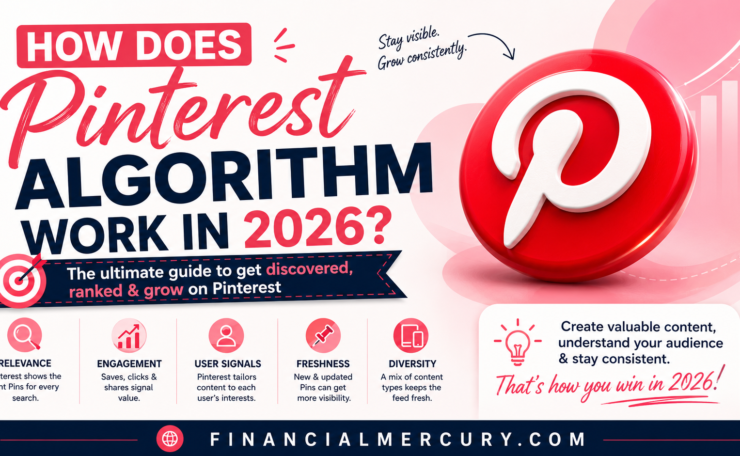
Pinterest ranking in 2026 still comes down to four signals: Pin quality, pinner quality, relevance, and freshness. If you want better reach, focus on what Pinterest can measure, then make each Pin easier to understand, easier to trust, and easier to save.
The good news is that these signals are not random. They reward clear creative, steady account behavior, and content that matches what people actually want. If you keep asking how does Pinterest algorithm work, this is the part that matters most in day-to-day publishing.

Pin quality tells Pinterest whether a Pin is worth sharing
Pin quality is about how a specific Pin performs over time. Pinterest watches signals like saves, clicks, close-ups, and video watch time to judge whether people find the Pin useful. A strong Pin does not just get attention once, it keeps earning engagement after it goes live.
That is why design matters so much. Clear images, vertical layouts, readable text, and strong contrast usually perform better because they are easy to scan on a phone. A cluttered Pin can still get views, but a clean one has a better shot at keeping them.
Think of each Pin as a small test. If people stop, zoom in, save it, or click through, Pinterest sees proof that the idea has value. For a practical publishing checklist, the SEO checklist for new blog posts is also useful when you want the page and the Pin to match.
A Pin quality score improves when the content keeps getting traction instead of fading fast. In other words, Pinterest likes Pins that age well.
Pinner quality shows whether the account looks trustworthy
Pinterest also judges the account behind the Pin. If your profile looks active, organized, and consistent, your Pins usually have a better chance of reaching more people. If your account looks messy or spammy, reach can shrink.
Consistency matters here. Regular posting, original content, and well-built boards help Pinterest understand that your account is real and focused. Healthy engagement patterns matter too, because they suggest that people keep finding value in what you share.
On the other hand, broken links, repeated low-quality posts, or spam-like behavior can hurt performance. Pinterest wants to show content from accounts that feel reliable, not accounts that spray the same weak Pin everywhere.
A few account habits help a lot:
- Post consistently so your account stays active.
- Use original creative instead of recycling the same weak graphic.
- Organize boards clearly so Pinterest can read your topics.
- Keep links working because broken destinations lower trust.
- Avoid spammy repetition since it usually cuts reach.
For a broader look at how account setup affects search performance, best keyword research tools for bloggers can help you plan topics that fit your audience and your boards.
Relevance helps Pinterest match Pins to real searches
Relevance is the bridge between your content and the person searching for it. Pinterest reads your Pin title, description, board name, and even the image itself to figure out what the Pin is about. It uses text signals and visual AI together, so the platform can understand both what you wrote and what the image shows.
That matters because Pinterest is built around intent. If someone searches for “small pantry ideas” or “easy meal prep,” Pinterest tries to match the query with Pins that clearly fit. Better matching usually means better chances of showing up in search results and related content.
This is where simple language wins. Use plain, accurate words in your title and description. Put Pins on boards that fit the topic, and make sure the image supports the promise in the text. The stronger the match, the easier it is for Pinterest to place your content in front of the right user.
If your Pin says one thing and the image suggests another, Pinterest has less confidence in where it belongs.
Pinterest’s own engineering team has described how it uses semantic signals to improve what gets shown in feeds, which lines up with this broader push toward topic match and content quality. You can see that direction in Pinterest Engineering’s 2026 feed work.
Freshness gives newer content a visibility boost
Pinterest gives newer creative a lift, especially when the Pin is built in a fresh way. Fresh does not always mean a brand-new blog post. It can mean a new Pin design, a new headline, a new image crop, or a new angle on the same idea.
That matters because repeated use of the exact same Pin is less effective than publishing new versions. Pinterest wants variety, and users respond better when the creative feels new. A recipe, for example, can be turned into multiple Pins with different images and text overlays, each aimed at a different search intent.
Freshness gives you room to test. If one design stalls, another version might pick up faster because it better fits the current audience or search query. That is one reason strong creators keep updating creative instead of relying on a single old image.
The practical takeaway is simple: reuse the idea, not the exact Pin. New designs, better copy, and cleaner visuals usually do more than reposting the same asset again and again.
How Pinterest ranks content in search and on the home feed
Pinterest uses the same core signals in both places, but it weighs them differently. A Pin can rank well in search and still land weakly in the home feed, or it can show up in recommendations without ever topping a search query.
That difference matters because Pinterest is matching two separate user behaviors. In search, people arrive with a clear goal. In the home feed, Pinterest is predicting what they may want next based on what they have already done.
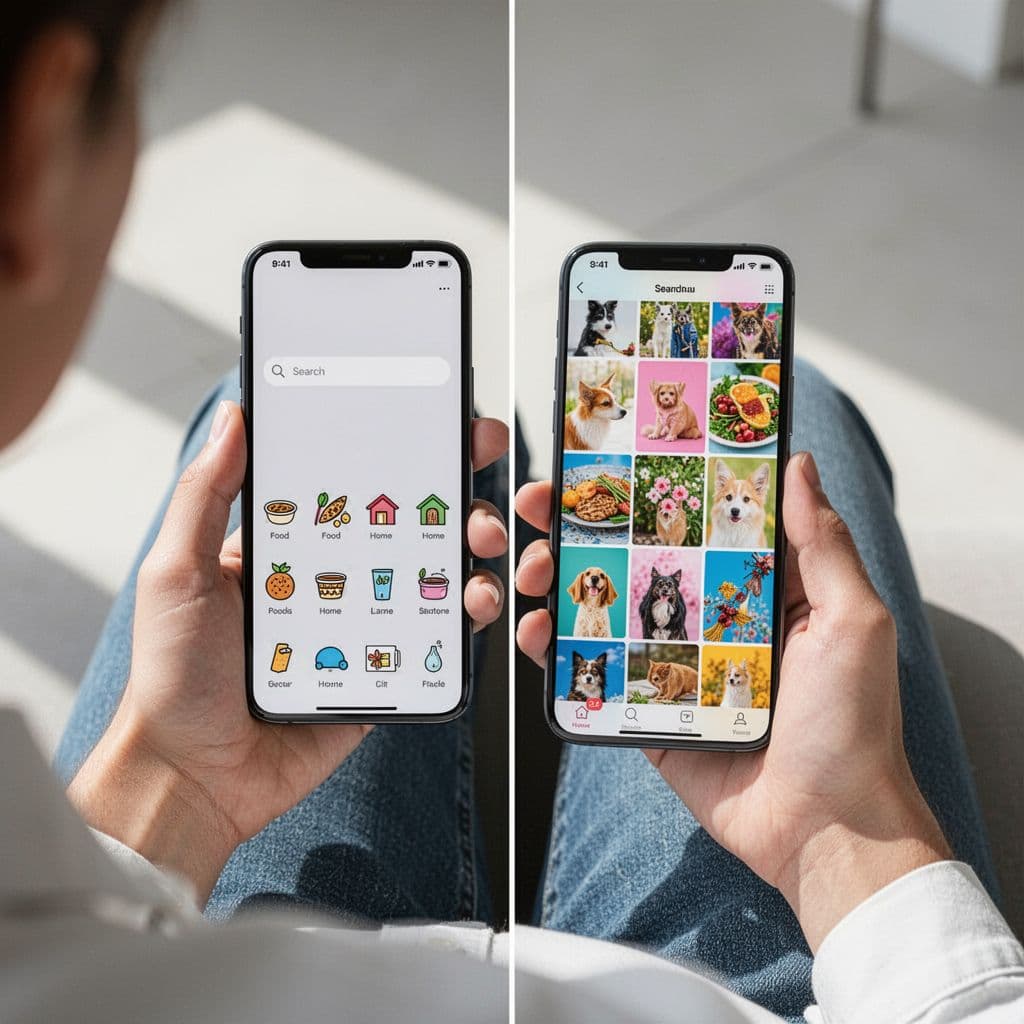
Search results depend on intent and keyword match
Pinterest search starts with intent. Someone typing “easy chicken recipes” wants a recipe, not a lifestyle post, and Pinterest tries to match that exact need. The same is true for home decor, travel, and DIY searches, where people usually want a format, a style, or a step-by-step idea.
That is why Pinterest looks closely at the words on your Pin, the board it lives on, and the topic of the destination page. A Pin about a “small bathroom makeover” should look and read like one, because Pinterest is trying to sort it into the right query bucket.
A better match beats keyword stuffing every time. Clear wording helps, but repeated phrases do not make a Pin more useful. If anything, they make the Pin harder to trust.
Pinterest’s own search work shows how much relevance matters. The company has described its search relevance system in Pinterest Engineering’s search relevance work, which points to a more precise, topic-based approach.
The home feed is shaped by past behavior and predicted interest
The home feed is personal. Pinterest watches what a person saves, clicks, searches for, and spends time on, then builds a feed around those signals. If someone keeps saving fall recipes and farmhouse decor, they will start seeing more of both.
That is why two users can open Pinterest on the same day and see very different Pins. One feed may lean toward wedding ideas, while another shows workout plans or budget travel. Pinterest is not showing a universal ranking here, it is guessing what each person is most likely to engage with next.
In simple terms, the home feed feels like a memory of your habits. The more you interact with a topic, the more that topic shows up again.
A Pin does not need the same audience everywhere. It just needs the right signals for the surface where it appears.
Related Pins and recommendations expand reach beyond search
Pinterest does not stop at search or the home feed. It also places Pins beside or after other Pins when the topic fits. That can happen on a related Pin section, in recommendations, or inside topic-based browsing paths.
This is where strong relevance and steady engagement start to pay off. If a Pin gets saves, clicks, and good watch time, Pinterest is more likely to test it in more recommendation spots. Over time, one well-made Pin can spread far beyond its original search term.
The takeaway is simple. One Pin can perform in three different ways:
| Placement | What Pinterest looks for | What usually wins |
|---|---|---|
| Search results | Exact topic match and clear intent | Strong keywords, clean visuals, useful content |
| Home feed | Past behavior and predicted interest | Consistent engagement and topic fit |
| Related Pins | Topic similarity and performance history | Relevance, saves, and clicks |
When you understand those differences, the pattern makes more sense. Pinterest is not ranking one Pin the same way everywhere, it is adjusting the same Pin to fit the person’s intent, habits, and browsing path.
What creators can do to improve reach on Pinterest
Pinterest reach grows when your content is easy to understand, easy to trust, and easy to save. That sounds simple, but it takes discipline. In 2026, creators who win on Pinterest usually do the same few things well: they publish fresh creative, use clear topic signals, and keep the landing page aligned with the Pin.
The goal is to work with the platform, not fight it. If Pinterest can read your content fast, place it in the right topic, and see that people like it after the click, your Pins have a much better shot at lasting.
Create fresh Pins that are easy to understand at a glance
Fresh creative matters because Pinterest gives new ideas a chance to prove themselves. If you keep posting the same image, the same layout, and the same message, you limit what the platform can test. A stronger approach is to turn one blog post into several Pin designs, each with a slightly different angle.
That also helps people. A Pin has only a moment to get attention, so the visual needs to explain itself fast. Vertical format works best because it fills the screen on mobile, and a simple design keeps the eye on the main point.
A strong Pin usually has:
- One clear idea so the viewer knows the topic right away.
- Readable text overlay that says what the Pin offers.
- Strong contrast so the message stands out in a busy feed.
- Clean spacing so the design feels easy to scan.
- A vertical layout that performs well on phones.
A Pin does not need to look crowded to work. In fact, clutter often hides the value. Keep the image focused, then test a few versions of the same topic with different headlines, crops, or colors.
Write titles and descriptions that sound natural but still clear
Pinterest needs plain language. So do people. Your title and description should say exactly what the Pin is about without sounding stiff or packed with repeated phrases. If you were searching for the topic yourself, would the wording feel useful or vague?
The same rule applies to board names. A board titled “Easy Weeknight Dinners” tells Pinterest much more than a broad label like “Food Ideas.” Clear wording helps search, but it also helps users decide whether the Pin is worth a click.
Use words that match the topic a real person would search for. For example, a Pin about home office setup should say that plainly instead of hiding behind clever copy. That kind of clarity helps Pinterest sort the Pin correctly and helps readers trust what they’ll get.
A practical title and description formula looks like this:
- State the topic in simple words.
- Add a useful detail, such as size, style, or benefit.
- Keep the tone natural, not robotic.
- Make sure the board name matches the same topic.
Pinterest marketing guides from sources like Hootsuite’s 2026 Pinterest overview point to the same pattern, strong search-friendly wording works best when it still sounds human.
Build boards around topics people actually search for
Boards are more than storage folders. They help Pinterest understand what your account is about. When your boards have clear themes, the platform can connect your Pins to the right searches and related content more easily.
That means broad, random boards usually hurt more than they help. A board mix like “Recipes,” “Lifestyle,” and “Stuff I Like” gives Pinterest very little to work with. Specific boards, such as “30-Minute Chicken Recipes” or “Small Bathroom Ideas,” make the topic clear and improve relevance across the account.
Strong board structure also supports consistency. If several Pins, boards, and descriptions point to the same subject, Pinterest sees a pattern. That pattern can help your whole account look more focused and useful.
A simple way to improve board structure is to group content by search intent:
- Problem-solving boards for “how to” content.
- Style boards for design and inspiration.
- Planning boards for checklists, guides, and ideas to save for later.
- Seasonal boards for topics tied to holidays or time of year.
That kind of organization matters because Pinterest learns from the full account, not just one Pin at a time. When the topic structure is clean, your content has a better chance of showing up in more places.
Keep people engaged after the click
Pinterest does not stop judging a Pin once someone clicks it. The landing page still matters. If the page loads slowly, looks unrelated, or fails to deliver the promise in the Pin, people leave fast, and that hurts performance over time.
Your page should match the Pin in a direct way. The headline needs to confirm the topic, the content needs to answer the promise, and the page should load quickly enough to keep people from bouncing. If a Pin promises “easy pantry organization,” the page should open with that exact idea, not bury it under unrelated text.
Good on-site behavior helps too. When visitors stay longer, scroll, save, or click deeper, Pinterest gets stronger signals that the Pin led to useful content. That can support better distribution later because the Pin has shown it can satisfy real interest.
A few landing page habits make a difference:
- Match the Pin promise in the headline and opening paragraph.
- Keep page speed tight so mobile users do not drop off.
- Use clear formatting with short sections and helpful subheads.
- Avoid distraction near the top of the page.
- Make the next step obvious if the content has one.
A strong Pin can win attention, but a weak page can waste it in seconds.
Creators who improve reach on Pinterest usually focus on these basics again and again. Fresh creative gets the first look, clear wording gets the match, organized boards support the topic, and a solid landing page keeps the momentum going after the click.
Common mistakes that can limit your Pinterest reach
Pinterest reach drops fast when your content feels repetitive, unclear, or disconnected from the page behind it. That often happens when creators focus on posting more instead of posting better. If you want to understand how does Pinterest algorithm work in practice, these are the mistakes that usually hold Pins back.
Posting the same Pin over and over
Reposting the exact same creative can flatten performance over time. Pinterest wants fresh signals, so when it sees the same image, layout, and text again and again, there is less new information to test. The Pin may still get some reach, but it often stops improving.
Fresh design variations usually work better because they give the platform, and the viewer, a new reason to pay attention. You can keep the same topic, but change the headline, image crop, background color, or text angle. For example, one Pin might highlight speed, while another focuses on budget or simplicity.
That kind of variation helps you learn what people respond to. It also keeps your feed from looking stale. If one version underperforms, another version may still take off because it feels more current and easier to scan.
Using vague visuals or generic text
A Pin should communicate its idea in a second or less. If the image looks busy, blurry, or too abstract, people scroll past it. Pinterest does too, because unclear Pins are harder to classify and less likely to earn saves or clicks.
Generic text creates the same problem. A headline like “Better Ideas” tells nobody what they will get. A clearer line, such as “Easy Small Bedroom Ideas,” gives both users and Pinterest a real topic to work with.
When the design is too crowded, the message gets buried. That hurts trust before the click even happens. If your Pin does not feel easy to understand at a glance, it is working against you.
Ignoring the page behind the Pin
A strong Pin cannot save a weak landing page. If the link is broken, the page loads slowly, or the content does not match the Pin, people leave quickly. That kind of mismatch can hurt trust and reduce future engagement.
The page behind the Pin should deliver exactly what the image promised. If the Pin says “7 Budget Meal Prep Ideas,” the page should open with that topic right away. Sending people to a homepage or unrelated post usually creates confusion and lowers the chance of a save or click.
This is also where consistency matters beyond Pinterest. A focused page helps reinforce the topic, which gives Pinterest a cleaner signal about what your content is for. For a useful example of how a specific destination matters, see how to make money on Pinterest, where the page intent matches the topic closely.
Chasing trends without matching your audience
Trends can bring attention, but only when they fit your niche. A popular topic that does not match your audience usually produces weak engagement, because people do not feel the Pin is for them. Relevance still matters more than trend-chasing.
You do not need to copy every seasonal idea or viral angle. Instead, adapt trends to your readers’ needs. If you cover home decor, a trending color palette may fit. If you cover personal finance, that same trend may confuse your audience and dilute your results.
Pinterest rewards content that people can use. So if a trend feels forced, skip it and stay focused on what your audience already searches for. That keeps your Pins useful, clear, and easier for the platform to place in the right feed.
Conclusion
Pinterest’s algorithm is built to predict which Pins people will find useful enough to save or click. It looks at relevance, quality, engagement, and freshness, then uses your titles, descriptions, boards, and visuals to decide where each Pin belongs.
Fresh content still helps, but only when the Pin is clear and useful. The best results usually come from Pins that match real search intent and lead to content that delivers on the promise.
If you want steady reach, focus on simple, helpful Pins that answer a real need. That is the clearest way to work with how Pinterest algorithm work in 2026.
Save the pin for later

- How I Make Money on Pinterest Pinning in 2026 - June 23, 2026
- How to Research Pinterest Keywords for Blog Posts In 2026 - June 23, 2026
- How to Set Up Google Search Console for a Blog - June 23, 2026