
 Onwe Damian Chukwuemeka
Pinterest isn’t just a place to save ideas, it can send traffic and sales when I use it with intent. If you’re learning how to make money on Pinterest pinning, I want to be clear, this isn’t instant money, but it is a practical system that works best when I pick one niche, stay consistent, and create pins with a purpose.
I’ll keep this simple and show you the easiest ways to start, what to post, and how to grow income over time without making it feel overwhelming. If you want a fuller breakdown of the money side first, I also cover it in my Pinterest monetization guide, then I’ll move into the first steps.
Why Pinterest can make money even if I do not have a big following
Pinterest can pay off without a huge audience because the platform works more like search than social media. I do not need thousands of followers to get seen, because pins can surface through keywords, saves, and related searches long after I publish them.
That gives me a real shot at traffic even when my account is still small. If I post the right pin for the right search, I can still get clicks, and clicks are where the money starts.
How Pinterest traffic turns into clicks, sales, and commissions
The money path on Pinterest is simple. Someone sees my pin, taps it, lands on my page, and then takes the next step I set up for them.
That next step can be different depending on what I am selling or promoting. It might lead to:
- a blog post with display ads
- an affiliate offer with a tracked link
- a product page in my shop
- a digital download or template
- a service booking page
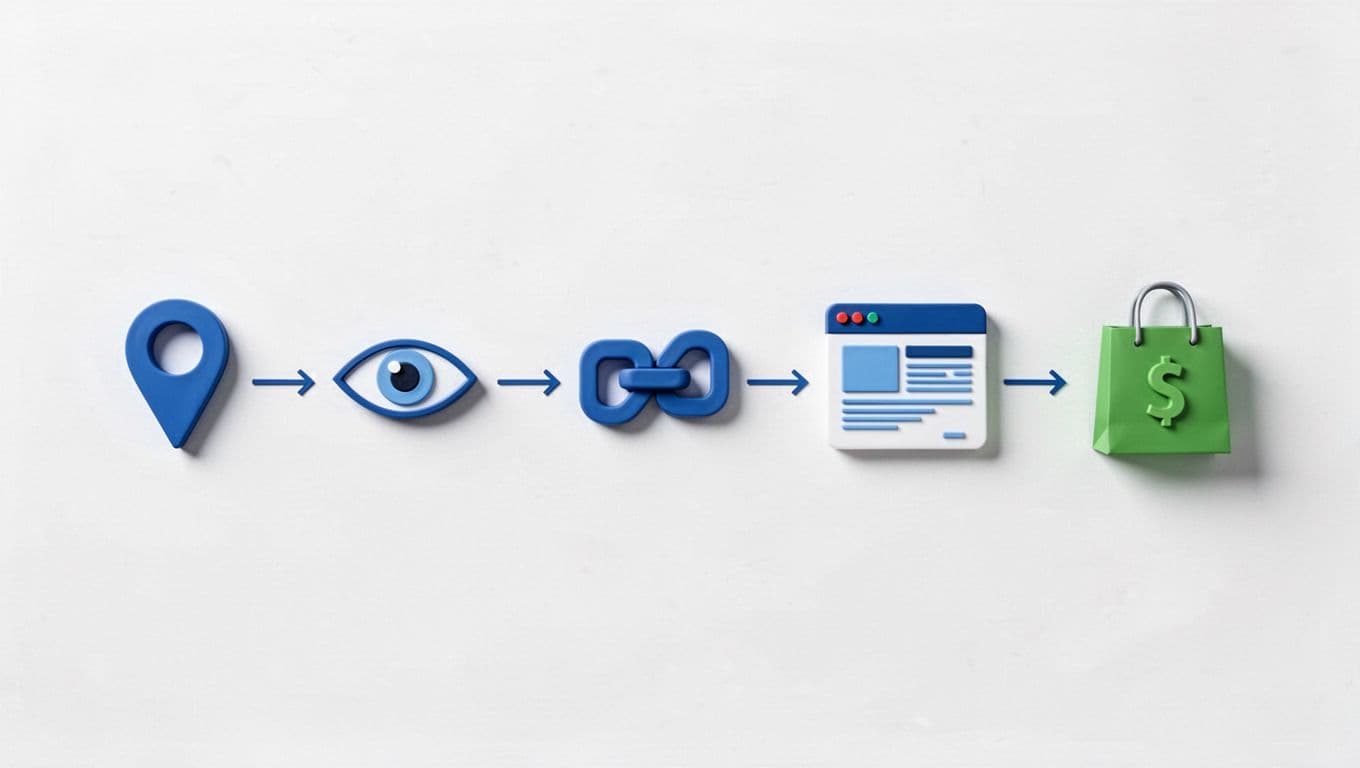
I like to think of a pin as the front door, not the whole business. The pin brings the visitor in, but the page behind it does the selling. If that page matches the promise of the pin, I have a chance to earn.
This is why follower count matters less here than on other platforms. A pin can be discovered through search weeks or months after I post it, which gives it a longer life than a quick social feed post. That extra time gives me more chances to earn from the same content.
According to recent Pinterest usage data, a large share of users are already in purchase mode, which is why clicks from the platform often carry real buying intent. For a broader look at that behavior, I often check Pinterest purchase-intent data before planning my content.
Why the Pinterest audience is ready to take action
Pinterest users usually arrive with a purpose. They are searching for ideas, planning projects, comparing products, or looking for the best option to buy next.
That matters because people on entertainment-first platforms often scroll for fun. On Pinterest, they are usually trying to solve something. They want a recipe, a gift idea, a home project, a budget plan, or a product they can save for later.

That buying mindset makes Pinterest strong for several income types:
- Affiliate marketing works because users are already comparing options.
- Products and digital downloads sell well because people want quick fixes and ready-made tools.
- Blog ads perform better when I send traffic to content people actually want to read.
- Shop sales can happen when a pin points to a clear product page.
I get better results when my pin matches a specific need instead of a broad topic. A person searching for “meal prep for beginners” is closer to action than someone just browsing ideas. The more exact the search, the better my chance of earning from the click.
For a bigger picture on how Pinterest fits into a sales system, Pinterest marketing strategy data shows why search-driven traffic often converts better than casual social traffic. That is the part I keep in mind when I pin with a goal instead of pinning for reach alone.
Pinterest rewards intent. If I help someone solve a problem fast, I give myself a better shot at a sale.
That is why I do not need a massive following to make money here. I need useful pins, a clear destination, and content that gives the viewer a reason to act.
Choose one niche so your pins attract the right people
When I pin without a clear niche, my account feels random. One week I am posting recipes, the next I am posting budgeting tips, and the audience never knows why they should stay.
A focused niche fixes that. It helps me attract the right visitors, build trust faster, and create pins that keep working because they answer one clear need.
Pick a niche I can post about for months
I want a niche I can talk about for a long time, not just a weekend. If I can only think of five pin ideas, the topic is too thin.
I start with three simple questions. Do I know this topic well enough to write about it? Do I enjoy it enough to keep showing up? Can I research it deeply enough to keep posting even when I run out of easy ideas?
That last part matters a lot. Pinterest rewards consistency, so I need a niche with room to grow. If I choose home decor, I can post room makeovers, budget fixes, storage ideas, seasonal styling, and product roundups. If I choose meal planning, I can create dinner ideas, grocery lists, prep tips, kitchen tools, and printable planners. One niche should feel like a full tree, not a single branch.

I also pay attention to what I can sustain when trends cool off. Trends can help me get attention, but they fade fast. Evergreen topics keep bringing in views, which is better when I am trying to make money on Pinterest pinning over time. I would rather build around a topic I can post about every week than chase whatever feels hot today.
If I already know I can write about handmade products, I can build that into a real content lane with craft-selling income ideas. The goal is simple, I want one niche that gives me enough material to stay active for months without forcing it.
A niche should be wide enough for steady content, but narrow enough that people know why they should follow me.
Match my niche to what people actually search for
I do not choose a niche based on what sounds broad or impressive. I choose it based on what people type into Pinterest search.
That means I think in phrases, not categories. Instead of posting about “food,” I look at searches like easy dinner ideas, meal prep for beginners, or healthy lunch ideas. Instead of “finance,” I look at budget tips, save money fast, or side hustle ideas. Those are the words that tell me what people want right now.
That matters for money, because search-focused pins bring in better traffic. Someone typing a specific phrase already has a problem in mind, and that person is easier to guide toward a click, a product, or an affiliate offer. Broad topics can get views, but specific searches often get action.
I like to match each niche to a simple monetization path. For example:
- Easy dinner ideas can lead to recipe posts, kitchen tools, or meal planners.
- Budget tips can lead to finance blogs, printables, or money apps.
- Home decor ideas can lead to affiliate links for decor, storage, and furniture.
- Thrift outfit ideas can lead to fashion affiliates, styling guides, or resale content.
For a broader look at what niches keep showing strong earning potential, I check top Pinterest niches for affiliate marketing in 2026. That helps me see where search demand and buyer intent overlap.
When I pick a niche this way, I am not just choosing a topic. I am choosing a lane with real traffic and a clear path to income.
The easiest ways to make money on Pinterest pinning
When I want the simplest path to income on Pinterest, I start with methods that do not require a huge audience or a large upfront spend. That matters because Pinterest works best when I keep posting useful pins that point to something real, like an offer, a blog post, or a product page.
The easiest ways to make money on Pinterest pinning usually come down to four paths, affiliate marketing, blog traffic, digital products, and product sales or brand work later on. Each one can start small. The key is choosing one that fits what I can create consistently, then building around that.
Affiliate marketing is the fastest way to start
Affiliate marketing is the easiest place to begin because I do not need my own product. I join a program, get a special tracking link, and earn a commission when someone buys through that link. In plain terms, I get paid for sending the right buyer to the right offer.
That makes it a strong first step if I want to learn affiliate marketing for higher earnings without the pressure of inventory, shipping, or customer support. I can use Pinterest pins to send people straight to an affiliate page, or I can send them to a blog post or landing page first. That extra step often helps when I want to add context, compare products, or warm up the click.
A good affiliate product solves a clear problem and matches my niche. It should also feel easy to trust. If I would not recommend it to a friend, I should not pin it.
I look for products with:
- clear value and simple benefits
- a price point my audience can handle
- a clean sales page
- a brand I would feel comfortable standing behind
Trust matters because people on Pinterest click fast, but they buy slowly. If my pins feel pushy or vague, people back out. If I stay honest and useful, I give myself a better chance to earn long term.
For a practical breakdown of how Pinterest affiliate marketing works, I also like Shopify’s Pinterest affiliate guide. It shows how the traffic, content, and commissions fit together.
Using Pinterest to send traffic to my blog
Pinterest is one of the easiest ways I know to grow a blog because one strong post can support many pins. I can write a helpful article once, then create several pin designs that point to the same page. That means one piece of content keeps doing work long after I publish it.
This is where I start building an owned asset. Social posts disappear fast, but a blog post can keep earning through ads, affiliate links, or my own offers. If I want more control over my income, that matters a lot.
For example, one blog post about meal prep can support pins for:
- weekly dinner ideas
- grocery list templates
- budget-friendly lunches
- kitchen tools
- printable planners
Each pin can reach a slightly different reader, but all of them send traffic back to the same core article. That gives me more chances to get clicks, page views, and sales from one topic.
Pinterest also fits blogging well because search-driven traffic can keep coming for months. I am not chasing likes. I am building a path from a pin to a useful page, and then I let that page do the money work. For a stronger look at that traffic model, I use Pinterest for bloggers traffic tips.
If I want a stable way to make money on Pinterest pinning, this is one of the best long-term plays. I write once, pin many times, and keep the door open for repeat traffic.
Selling digital products or print-on-demand items
Digital products and print-on-demand items are a smart fit because I do not have to ship anything myself. That keeps the setup simple and the overhead low. I can sell printables, planners, templates, shirts, mugs, or wall art, then let the platform or fulfillment partner handle the rest.
Pinterest is especially good for these products because they are visual. A clean mockup of a planner, a wall print, or a shirt design catches the eye quickly. People on Pinterest already browse with ideas in mind, so polished product images can do a lot of the selling for me.
I like this route because I can create once and sell many times. A printable budget sheet or a meal planner can keep earning without me restocking boxes or packing orders. That makes it easier to start small and test what people want.
A few simple product types usually work well:
- Printables for planning, budgeting, or organizing
- Templates for resumes, content, or business tasks
- Shirts and mugs with niche-friendly designs
- Wall art that fits home decor searches
If I want to keep things simple, I start with one product and one clear audience. Then I make several pins for it. Different headlines and images help me test what gets clicks. For print-on-demand sellers, I also like Pinterest print-on-demand tips because it shows how visual search can support product sales.
This works best when the product solves a small but real problem. A pretty pin gets attention. A useful product gets paid.
Working with brands and selling physical products
Once I have steady traffic or a small product line, I can start thinking about sponsored posts and direct sales. These are real income paths, but I do not treat them as the first step. Brand deals usually come later, after I have consistent content and a clear audience focus.
For a small creator, the most realistic brand work often starts with niche partnerships. If I post about home decor, I might work with a storage brand. If I focus on fitness, I might pitch a water bottle or activewear company. The fit matters more than follower count.
Direct sales can also work well if I already sell something physical. Pinterest can send buyers straight to my shop, Etsy listing, or product page. That makes it a useful traffic source for handmade goods, custom items, and small product lines that do not need a huge ad budget.
I keep my expectations grounded here. I am not going to land big sponsorships right away, and that is fine. What I can do is build a clear niche, post consistently, and show that my pins bring traffic. That gives me proof when I reach out to brands later.
When I want the easiest path, I still start with affiliate links or digital products first. Then, as my content library grows, brand deals and direct sales become much easier to add on top.
What I need to set up before I start pinning for money
Before I publish my first money-making pin, I want the basics in place. A strong setup keeps my account clear, my links organized, and my content easier to trust.
If I skip this part, I end up with random pins, mixed-up links, and weak clicks. That makes it harder to know what is working. I want every pin to point somewhere useful, and I want my profile to look like it belongs to a real person with a clear purpose.
Set up a business profile that looks trustworthy
I start with a Pinterest business profile because it gives me the tools I need to track what people do. Pinterest explains the setup process in its business account help guide, and I like keeping my account public, simple, and easy to understand.
My profile should answer three things fast: who I am, what I post, and why someone should follow me. A clear photo, a name that matches my niche, a short bio, and a working website link do most of the work for me.
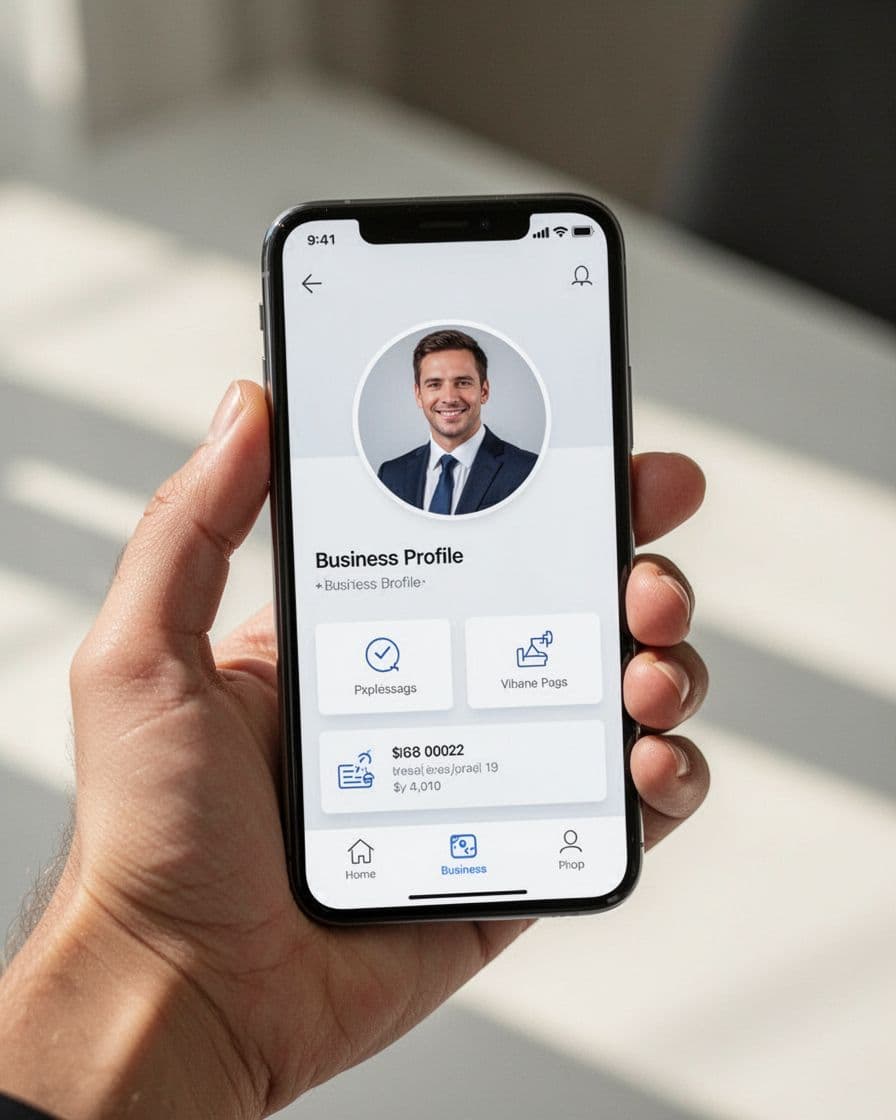
I keep my name readable and specific. If I post about meal ideas, budget tips, or home decor, I say that in the name or bio. That way, someone can glance at my profile and know what to expect.
A trust-building profile usually includes:
- A clear profile photo that looks polished and current
- A simple account name tied to my niche
- A short bio that says what I help with
- A website link that leads to a real page
- Consistent wording across my profile, boards, and pins
I also keep the tone plain. People do not need a long brand story at this stage. They need a profile that feels real and focused.
Create a simple system for links, landing pages, and offers
Before I pin for money, I decide where each pin should send people. That choice affects everything later. If I mix up destinations, I make tracking harder and confuse the visitor.
I like to keep each pin tied to one clear next step. That step can be a blog post, an affiliate page, a product page, or my shop. The point is to keep the path simple.
| Pin goal | Best destination | When I use it |
|---|---|---|
| Traffic | Blog post | I want page views, ads, or a warm-up page |
| Commissions | Affiliate page | I want a direct sale through a tracked link |
| Product sales | Product page | I want a clean path to buy now |
| Store sales | Shop or category page | I want buyers to browse multiple items |
That setup saves me time later because I can batch pins without guessing where they should go. It also helps me test faster. If one pin gets clicks but no sales, I know the issue may be the page, not the pin.
I try to avoid sending one pin to too many places at once. A pin with one job works better than a pin with five possible outcomes.
If I cannot say the pin’s next step in one short sentence, my funnel is probably too messy.
Use basic tools that save time and improve pin quality
I do not need a huge tool stack to start. I need a few simple tools that help me make better pins faster and keep me organized.
For design, I use Canva because it makes pin creation quick and beginner-friendly. For scheduling, I start with Pinterest’s built-in scheduler or a simple tool like Buffer for Pinterest scheduling, especially when I want to plan posts ahead instead of pinning by hand every day.
For analytics, I watch Pinterest’s own numbers first. Impressions, outbound clicks, and saves tell me a lot about what people respond to. Pinterest also promotes business tools and analytics through its Pinterest Business hub, which is useful once I want a clearer view of performance.
I also keep a basic product tool in place if I plan to sell something. That might be:
- Etsy for simple digital or physical products
- Shopify for a standalone store
- Google Sheets for tracking pin ideas and links
- Canva for product mockups and pin graphics
I do not add extra tools just to feel organized. I choose the ones that help me move faster and create better pins without wasting money.
Once these pieces are ready, I can pin with a real plan. My profile builds trust, my links point somewhere useful, and my tools keep the whole process manageable.
How to create pins that get clicks instead of being ignored
When I want a pin to earn attention, I keep the message simple and the promise clear. Pinterest is crowded, so my job is to make the right person stop, understand the value fast, and feel safe clicking.
That means I focus on three things: the words on the pin, the look of the design, and the page behind it. If any one of those feels off, clicks drop. I keep that in mind when I build content for home-based income strategies using social media, because a pin only makes money when it earns the click first.
Write pin titles and descriptions people want to click
I write pin titles like I’m answering a search query, not trying to sound clever. The best title tells the viewer exactly what they will get, so I use simple, search-friendly wording like “easy dinner ideas,” “budget tips for beginners,” or “best Pinterest pin templates.” Clear always beats cute here.
Descriptions should support the idea without stuffing in too much text. I keep mine natural, add a few related phrases, and use the space to build trust, not repeat the same words over and over. A good description feels like a quick handoff, because it explains what the click leads to and why it matters.
I also keep the promise aligned with the page behind the pin. If the title says “5 ways to save on groceries,” the landing page should deliver that fast. Pinterest’s own best practices for fresh pins also back up this approach, since clarity and relevance help content get seen and clicked more often.
Use clean visuals that stand out in the feed
I keep my visuals vertical because that format fills more of the screen and is easier to scan on mobile. A pin should look clean at a glance, with readable fonts, strong contrast, and one clear idea. If the design tries to say too much, people scroll right past it.
I also avoid clutter. One message per pin works better than a crowded collage, because the viewer should know what they are getting in a split second. Strong visuals do not need to be fancy, they need to be obvious. When I make the offer and the design easy to understand, I give myself a better shot at the click.
A simple way I check my design is to ask whether it still makes sense at thumb size. If the answer is no, I simplify it. That small edit can make a big difference in how to make money on Pinterest pinning, because more clicks start with more clarity.
Test multiple pin versions for the same idea
I never rely on one pin alone. The same idea can perform very differently depending on the image, headline, or angle I choose, so I make several versions and let the data show me what works. One version might focus on speed, another on savings, and another on beginner-friendly steps.
This does not need to feel complicated. I usually change one main element at a time, then watch which pin gets more outbound clicks or saves. That gives me a cleaner read on what my audience wants, and it helps me think like a marketer without turning the process into a project.
If one pin gets ignored, I do not assume the whole topic is bad. I test a fresh visual, a tighter title, or a different promise, then move on. That habit keeps my content library useful and gives me more chances to turn the same idea into traffic.
A posting plan that helps me grow without burning out
If I want Pinterest to bring in money, I need a plan I can keep. A schedule that looks impressive for three days and falls apart by Friday does not help me.
I keep my focus on steady output, simple batch work, and clear tracking. That gives me room to grow without turning pinning into a second full-time job.
How often I should pin when I am starting out
When I am new, I keep my rhythm simple. I aim for 1 to 3 fresh pins a day or a small batch of pins scheduled across the week. If that feels like too much, I start with one solid pin a day and stay with it.
Pinterest rewards consistency more than bursts. I would rather post regularly for months than post a lot for one week and quit. That slower pace gives my account time to settle, and it gives me time to improve each pin.
A realistic starter rhythm looks like this:
- Monday through Friday: 1 to 2 fresh pins a day
- Weekend: lighter posting or one batch session for the next week
- Ongoing: repeat the same pace for several months before I judge results
That kind of pace is easier to maintain, and it keeps me from getting stuck in all-or-nothing thinking. I do not need to flood Pinterest to make money on Pinterest pinning. I need to show up often enough that my account keeps moving.
If I want a broader look at pinning habits and scheduling patterns, I sometimes compare my plan with a Pinterest posting strategy for 2026. It helps me stay realistic about what I can repeat.
The best posting plan is the one I can follow on busy weeks, not just on good weeks.

How to batch pins and save time each week
I save time by making pins in groups instead of one at a time. First, I pick my topics for the week. Then I write the pin titles and descriptions in one sitting, so I am not stopping and starting all day.
After that, I design several pins at once for the same few posts or offers. I like to make a few variations for each idea, because that gives me more chances to find a winner without rebuilding everything from scratch. A simple batch process keeps my head clear and my content pipeline full.
My weekly workflow usually looks like this:
- I choose 3 to 5 content links or products.
- I write the pin copy ahead of time.
- I create the graphics in one design session.
- I schedule the pins across the next 7 days.
- I save new ideas for the following week.
I also like to schedule posts in advance when I can. Tools that handle batch scheduling make the process easier to repeat, and Pinterest’s own scheduling options are useful when I want a simple setup. For a practical walkthrough, I use how to schedule Pinterest pins as a reference point.
The goal is not perfection. The goal is a system I can run every week without draining my energy. When I repeat the same workflow, I spend less time deciding and more time publishing.
What to track so I know my pins are working
I keep my tracking simple, because too many numbers can slow me down. The main things I watch are impressions, saves, clicks, and sales or leads. Those four numbers tell me if a pin is getting seen and if it is moving people toward action.
Impressions show reach. Saves tell me a pin has staying power. Clicks show real interest. Sales or leads show whether the traffic is worth anything to my business.
I do not expect every pin to go viral. I just want good pins to move people closer to a next step. A pin that gets fewer views but sends buyers to my page is better than one that gets attention and nothing else.
Here is the simple way I read the data:
- Impressions tell me if Pinterest is showing the pin.
- Saves tell me if the idea has long-term value.
- Clicks tell me if the message is strong enough to pull people in.
- Sales or leads tell me if the traffic is helping me earn.
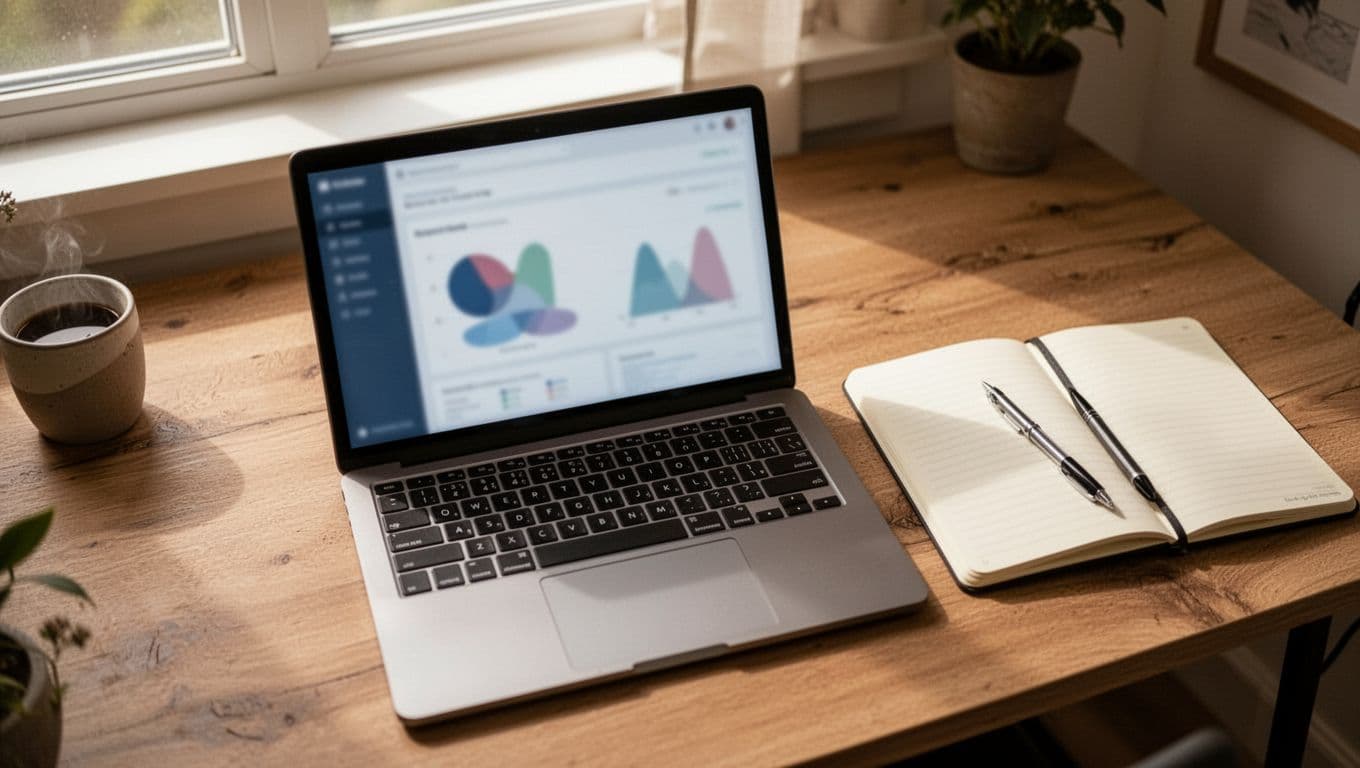
I check these numbers on a regular schedule, then I adjust one thing at a time. If clicks are low, I fix the title or image. If clicks are fine but sales are weak, I look at the page behind the pin. That keeps me focused on what actually needs work.
A good posting plan is not about doing more every day. It is about doing the right things often enough to build momentum, then using the data to keep the plan honest.
How I can earn more once my Pinterest account starts growing
As my Pinterest account grows, I stop thinking only about reach and start thinking about income per click. More traffic gives me more room to test offers, build trust, and stack revenue sources instead of depending on one pin to do everything.
That matters even more in 2026, because Pinterest keeps adding users and buying intent stays strong. Pinterest reported 631 million monthly active users in Q1 2026, which means more people are browsing with a purpose, not just scrolling for fun. I want to turn that attention into a clear earning path.
Turn one piece of content into many money-making pins
I get more out of Pinterest when I stop treating each pin like a one-off. One blog post, one product, or one offer can turn into several pin designs, and each pin can speak to a different kind of buyer. That saves me time, but it also gives me more shots at clicks.
For example, if I have one post about meal prep, I can create pins around:
- quick dinner ideas
- budget meal plans
- beginner meal prep tips
- grocery list templates
- time-saving kitchen tools
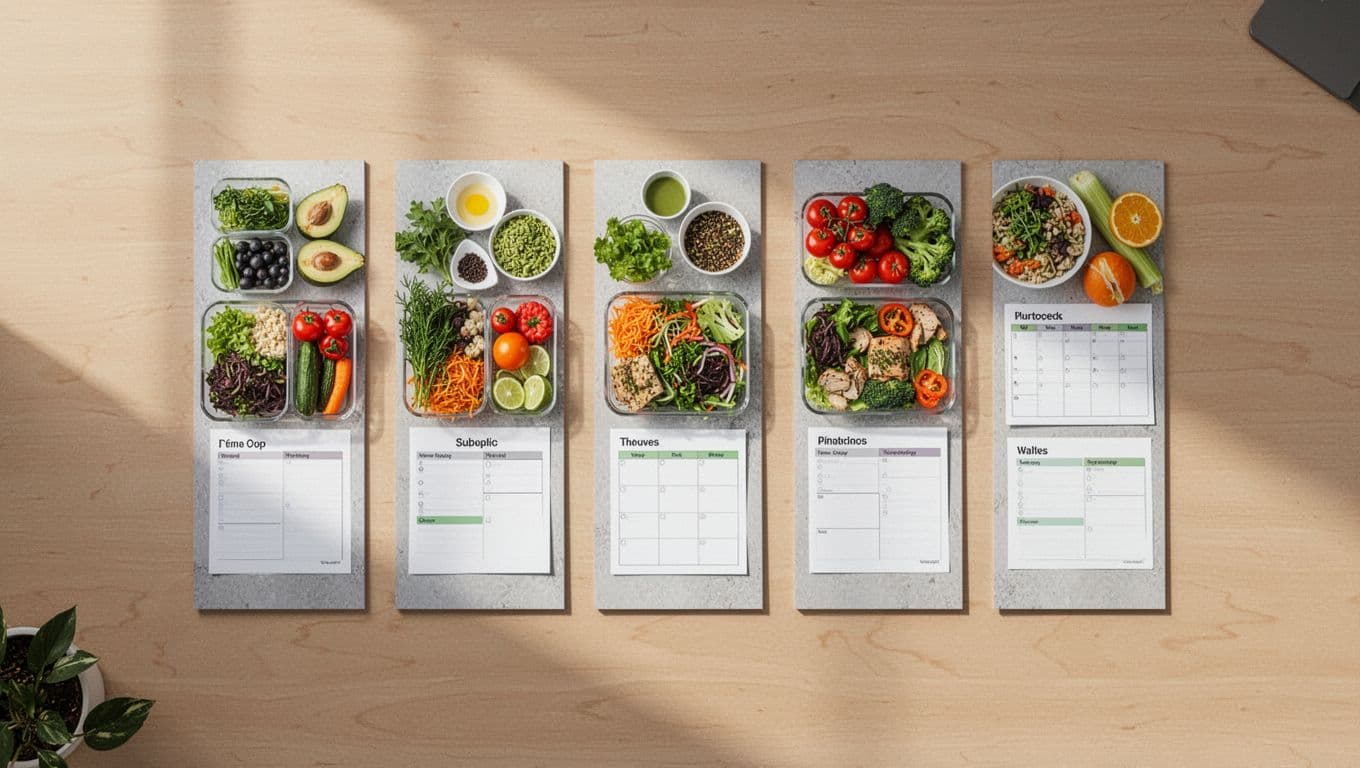
That same approach works for affiliate links and digital products. One printable, one course, or one product page can be packaged in different ways so I can test what gets the best response. I might highlight speed in one pin, savings in another, and style in a third.
When I use this method, I spend less time making fresh content from scratch. I also give myself more chances to match search intent, which usually means more traffic and better earnings. If you want a wider view of income paths, I also keep my online platform income strategies in mind when I plan what one piece of content should do next.
One strong idea can carry several pins if I frame it in different ways.
Add more than one income stream over time
I never want my Pinterest income to depend on a single source. If one affiliate program changes, one product slows down, or ad traffic dips, I still want money coming in from somewhere else. That is why I build income layers over time.
At first, I usually start with the easiest fit for my content. Affiliate income can come first, then blog ads, then digital products, and later direct sales or brand deals. Each one adds a different kind of earning power, and they work better together than alone.
Here is how I think about the mix:
- Affiliate income gives me a simple starting point with low setup.
- Digital products give me higher margins and more control.
- Blog ads turn page views into passive income.
- Direct sales let me keep more of the profit when I own the product.
I like this mix because it fits different stages of growth. A new account may earn best with affiliate links. A growing account can add ads and products. A stronger account can start sending buyers straight to offers I control.
I also keep the work realistic. I do not try to launch everything at once. I add one new stream, let it settle, then layer in the next. That keeps the system clean and easier to track.
Use data to double down on what already works
Once my account starts growing, I let the data guide my next move. I pay attention to which topics get clicks, which designs get saves, and which links lead to actual sales. That tells me where to spend more time and where to cut back.

I keep it simple. If a topic gets strong outbound clicks, I make more pins around it. If a design gets saved a lot, I reuse that style. If a link gets traffic but no sales, I check the landing page before I blame the pin.
A basic growth plan looks like this:
- Find the pins that already get attention.
- Make more versions of the winning topics.
- Test new headlines or images on proven ideas.
- Remove weak pins that waste time.
- Put more effort into the offers that actually earn.
This is how I make Pinterest growth work for me instead of against me. I do not chase every trend. I build around what already moves people, then I keep sharpening that lane until it pays better.
Conclusion
I get the best results on Pinterest when I keep one niche, post helpful pins often, and send every pin to a clear money path. That simple structure gives each pin a real job, and it keeps my account focused instead of random.
If I want the fastest start, I usually choose affiliate marketing or blog traffic first. Then I can add digital products, physical products, or brand deals once my account has momentum and trust.
If you stay consistent and patient, Pinterest can grow into a steady income channel. I keep reminding myself that daily routines for higher income matter more than shortcuts, because the work pays off when I keep showing up.
Save pin for later

- How I Make Money on Pinterest Pinning in 2026 - June 23, 2026
- How to Research Pinterest Keywords for Blog Posts In 2026 - June 23, 2026
- How to Set Up Google Search Console for a Blog - June 23, 2026