 Onwe Damian Chukwuemeka
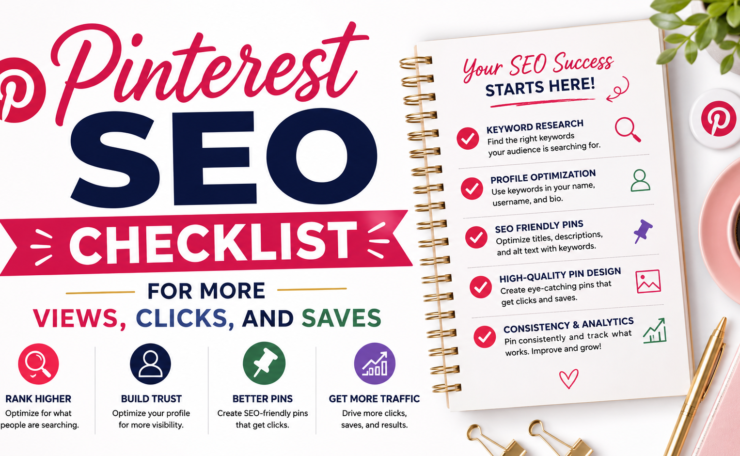
A Pinterest SEO checklist gives you a simple way to make your pins easier to find, so you can get more views, clicks, and saves without guessing.
In 2026, Pinterest still works like a search engine, which means small updates to your profile, boards, pins, and images can make a real difference.
If you want people to find your content when they are already looking for it, Pinterest needs to be part of your traffic plan. This checklist will help you tighten the details that matter most, and if you want a bigger picture of driving website traffic from Pinterest, that fits in here too.
Use the steps below to review what’s working, fix what isn’t, and give each pin a better shot at reaching the right audience.
1. Start with the right keyword research for Pinterest
Pinterest rewards clarity. If you start with the wrong phrases, even a good pin can get buried under broader, noisier results. The goal is to find the exact words real users type, then build your pin titles, descriptions, boards, and landing pages around them.

A strong Pinterest SEO checklist begins here because search terms shape everything that follows. When your keywords match what people want, your content feels easier to find and more useful at the same time.
a. Use Pinterest search to spot real phrases
Start by typing a broad topic into Pinterest’s search bar. As you type, Pinterest shows auto-suggested phrases that reflect what people already search for, so those suggestions are better than guesses. That makes them a practical source for real keyword ideas.
For example, a broad term like meal prep may lead to phrases such as:
- meal prep ideas
- meal prep for weight loss
- meal prep lunch
- meal prep easy
Those longer phrases are usually better targets because they show a clearer need. Instead of chasing a wide topic like budgeting, you might find stronger options such as budgeting tips for beginners, budgeting for families, or budget planner printable.
Use the same process with guided search. Click one suggestion, then watch how Pinterest changes the next set of ideas. That second round often reveals more specific search language, which is where the best content opportunities usually appear. If you want another practical content framework to pair with this step, Pinterest SEO best practices can help you keep the rest of your post aligned.
b. Match keywords to search intent
The best Pinterest keywords do more than describe a topic. They match what the user wants to do next. Some people want ideas, some want steps, and others want a product they can buy or save for later.
A quick way to sort intent is to look at the phrase itself:
- Ideas often include words like
ideas,inspiration, oraesthetic. - How-to searches often include
how to,tips,steps, orchecklist. - Product searches often include
best,top,review, orprintable.
That match matters because your pin and landing page should answer the same need. If the keyword is home office ideas, the pin should inspire. If the keyword is how to organize a home office, the pin should teach. If the keyword is home office desk organizer, the pin should point to a product or page that explains the item clearly.
When the keyword, pin, and page all line up, people stay longer and trust the content faster. That is exactly what you want when you are building a Pinterest strategy that drives traffic.
2. Optimize your profile so Pinterest understands your niche
Your Pinterest profile should make your topic obvious at a glance. Pinterest reads it like a topic signal, so the name, bio, photo, and overall tone should all point to the same niche.
That clarity helps in two ways. Pinterest can place your account in the right searches, and visitors can tell they are in the right place within a second or two.

a. Add keywords to your name and bio
Your profile name is one of the strongest signals on the page. If it includes your topic in plain language, Pinterest has less guesswork to do.
A good format is simple: name or brand + main topic. For example, “Mia Hart | Easy Meal Prep” is clearer than just a personal name. The same idea applies to the bio, where you can say what you post and who it helps.
Keep the wording natural. A bio like “Easy dinner ideas for busy parents who want simple meals and quick grocery tips” works better than a string of awkward phrases. It reads well, and it still gives Pinterest the terms it needs.
For more context on how profile details support earning traffic and revenue, see Pinterest marketing for business growth.
b. Keep your username, photo, and bio aligned
A strong profile feels consistent the moment someone lands on it. If your username suggests one niche, your photo and bio should back that up instead of sending mixed signals.
That consistency builds trust fast. A clean headshot, a relevant brand image, or a recognizable logo helps users know they found the right account. Then the bio confirms what you share, which makes the profile feel focused and active.
Pinterest also responds better when your account looks organized around one clear theme. If your boards, posts, and profile all point in the same direction, the niche becomes easier to classify. According to Search Engine Journal’s Pinterest SEO tips, profile clarity and board relevance both play a big part in how Pinterest understands your account.
A quick self-check helps here:
- Your username should be easy to read and related to your topic.
- Your profile photo should match your brand style.
- Your bio should repeat the same subject in clear language.
- Your boards should support the same niche, not scatter across unrelated topics.
When all of those parts line up, your profile feels like a clear signal instead of background noise. That is exactly what you want in a Pinterest SEO checklist.
3. Build boards that are easy for people and Pinterest to read
Boards do more than organize your pins. They help Pinterest sort your content, and they help visitors decide fast whether your board is worth opening. Clear board structure makes your account easier to scan, easier to trust, and easier to rank for the right searches.
If your boards feel random, people click away. If they feel specific and tidy, they act like signposts. That is exactly what you want in a Pinterest SEO checklist.
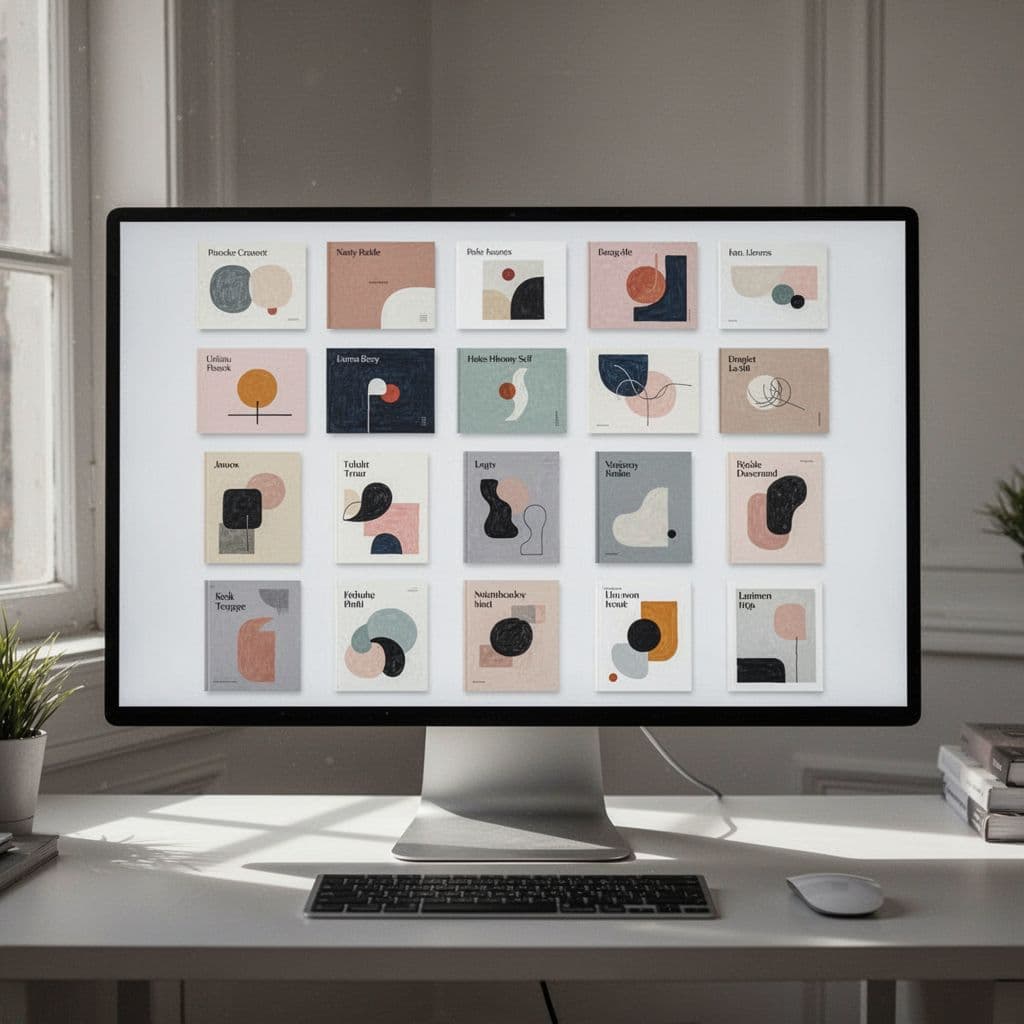
a. Write board titles people would actually search for.
Board titles should sound like real search terms, not private labels. If someone typed your title into Pinterest, would it make sense? If the answer is no, the title needs work.
Strong board names are clear and specific. Weak ones are vague, cute, or too broad.
- Strong: “Easy Dinner Recipes”
- Strong: “Small Bathroom Decor Ideas”
- Strong: “Budget Travel Tips”
- Weak: “Yummy Stuff”
- Weak: “Inspo”
- Weak: “Favorites”
The problem with vague titles is simple. They do not tell Pinterest what the board covers, and they do not tell people why they should care. A board called “Ideas” could mean anything, so it rarely helps with search or clicks.
Aim for titles that include the main topic and a useful detail, such as an audience or format. “Meal Prep for Busy Moms” is much clearer than “Meal Prep.” “Printable Budget Planners” is easier to understand than “Finance Stuff.” The tighter the title, the easier it is for Pinterest to place the board in the right results.
b. Use board descriptions to reinforce the topic
A short board description gives Pinterest more context, and it helps people know what to expect before they follow or save. You do not need to stuff phrases into it. You just need to describe the board in natural language and repeat the main theme once or twice.
The best descriptions sound like a real person wrote them. They mention related terms, use plain words, and stay focused on one topic. That keeps the board easy to read for people and easy to classify for Pinterest.
For example, a board titled “Easy Dinner Recipes” could have a description like this: “Simple weeknight dinner ideas, quick family meals, and easy recipes you can make with ingredients you already have.” It reads cleanly, and it reinforces the topic without feeling forced.
A board title tells Pinterest where to place the content. A description tells people why the board belongs in their feed.
When your board titles and descriptions match the content inside, the whole account feels more organized. That structure helps your Pinterest SEO checklist work better, because Pinterest can connect your boards, pins, and audience without guessing.
4. Make every pin title and description work harder
Pin titles and descriptions do a lot of quiet work. They tell Pinterest what the pin is about, and they tell people whether it fits what they need. When both parts are clear, your pin gets less ignored and more useful fast.
This part of a Pinterest SEO checklist is about precision. A strong title and description do not need flair, they need clarity, because people scroll quickly and Pinterest reads those words for context.

a. Write pin titles that say exactly what the pin offers
Clear titles usually perform better than clever ones. If someone has to guess what the pin delivers, you have already lost momentum. A title should describe the result, topic, or benefit in plain language.
That means leading with the main idea and avoiding vague hooks. “Easy High-Protein Meal Prep Ideas” works because it tells the reader what they get right away. “You Need to Try This” sounds lively, but it hides the point.
A good title answers a quick question in the user’s head: “Is this for me?” If the answer is obvious, the click gets easier. If the title feels fuzzy, people keep scrolling.
Use these simple patterns:
- Topic + benefit: “Budget-Friendly Nursery Ideas”
- Topic + audience: “Meal Prep Ideas for Beginners”
- Topic + format: “30-Minute Dinner Recipes”
A little detail helps too. Words like easy, quick, best, small, or for beginners make the title more useful without making it sound stuffed. As Pinterest’s own search behavior continues to favor clear phrases, titles that match real intent still have an edge, which lines up with Pinterest SEO best practices.
Keep the wording natural and tight. If the title sounds like a search result a person would actually type, you’re on the right track.
b. Write pin descriptions that sound natural
Pin descriptions should read like a short, helpful summary. Use the main topic, then add related terms in a way that sounds normal. The goal is to explain the value of the pin, not repeat the same phrase over and over.
A strong description gives Pinterest more context and gives readers one more reason to click. For example, “Easy high-protein meal prep ideas for busy weekdays, with simple lunches that save time and keep you full” feels clear and useful. It has the topic, a related benefit, and a natural flow.
Avoid keyword stuffing. A description packed with the same phrase again and again reads badly and does not help the reader. Instead, use one main term and a few close variations that fit the topic.
A simple description formula helps:
- State what the pin covers.
- Add who it’s for or what problem it solves.
- End with the result or benefit.
Here is the difference in tone:
- Weak: “Meal prep ideas meal prep healthy meal prep easy meal prep.”
- Better: “Easy meal prep ideas for busy weeks, with healthy lunches and simple make-ahead meals.”
Pinterest descriptions work best when they sound like a real person wrote them. According to Pinterest pin description guidance, clear, concise wording also helps keep the first part of the description strong, which matters because that early text gets scanned fast.
If the title gets the click, the description helps confirm it was the right choice.
Keep your descriptions short enough to read quickly, but specific enough to add context. That balance helps your pins look useful instead of forced, and it fits the rest of a solid Pinterest SEO checklist.
5. Design pins that match the topic at a glance
Pinterest now gives more weight to pins that are easy to read, easy to understand, and visually tied to the search term. If the image looks unrelated, people skip it fast. If it matches the title and description right away, the pin feels useful before they even click.
That means your design has to do more than look nice. It has to act like a clear signpost. Strong pins use the right image, simple text, and a layout that makes sense on a phone screen.
a. Use clear visuals and readable text
Your image should match the idea in the title and description, not just the mood. If the pin says “easy dinner recipes,” the visual should show food, a meal plan, or a cooking scene. When the subject and the image line up, the pin feels direct and trustworthy.
Keep the layout simple. Strong contrast helps the text stand out, and large type makes the pin readable on mobile. If someone has to zoom in, the design is already working against you.
A good pin usually follows these basics:
- One clear focal point so the eye knows where to land.
- Short text overlay that can be read quickly.
- Bold contrast between the text and background.
- Clean spacing so the pin does not feel crowded.
For design patterns that perform well on Pinterest, Tailwind’s pin design tips give a helpful breakdown of layout, text, and image choices.
If the topic is clear at a glance, the pin has a better shot at earning the click.
b. Avoid images that confuse the topic
Random stock photos can hurt more than they help. A generic smiling person, a random office desk, or an unrelated graphic forces the viewer to guess what the pin is about. That extra guess is enough to lose the scroll.
Instead, choose visuals that feel honest and specific. A pin about budgeting should look like budgeting. A pin about home decor should show a room, a detail shot, or a styled space. The more directly the image supports the search result, the more useful the pin feels.
This matters because Pinterest rewards pins that look worth saving. People save content that seems practical, clear, and true to the promise in the title. When the image supports that promise, the whole pin feels more complete and more clickable.
A simple test helps here: if you hide the title, would the image still hint at the topic? If the answer is no, the design needs another pass.
6. Keep your content focused on one clear niche
Pinterest operates like a visual search engine. When you maintain a tight focus on a single niche, you signal to the algorithm exactly who your audience is and what problems you solve. This clarity acts as a powerful trust signal. If your account covers one specific area, Pinterest categorizes your profile faster and more accurately. It also makes it easier for users to decide if they should follow you, as they know exactly what value your pins offer.
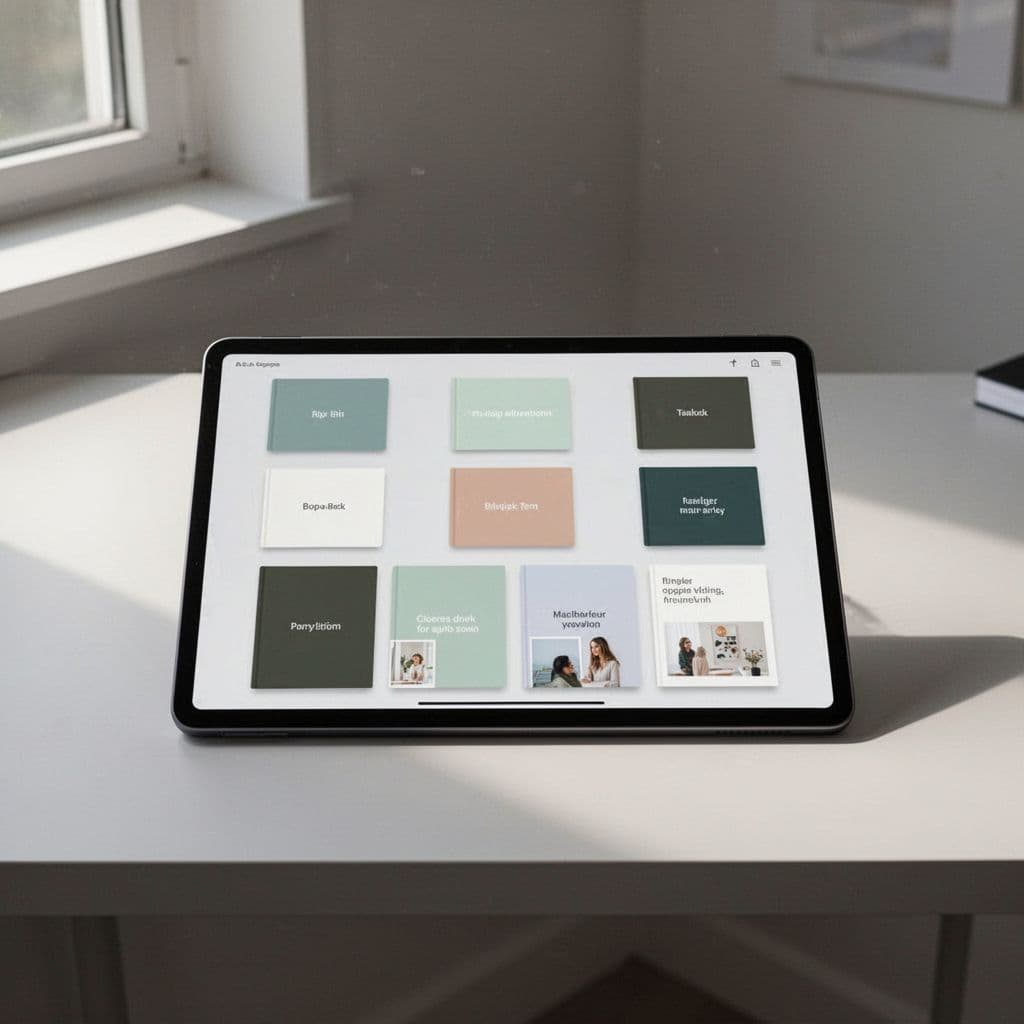
a. Group similar ideas together
Clustering your content builds authority around a subject. You should organize your boards, pin themes, and topics so they all stay near one main niche. Instead of mixing unrelated ideas, categorize them into specific, logical boards. This approach helps the algorithm connect your pins to relevant search queries, which improves your visibility.
Consider this structure:
- Specific boards: Instead of one broad board titled “Home Ideas,” create targeted ones like “Minimalist Living Room Decor” or “Small Apartment Storage Solutions.”
- Thematic pin batches: Focus on one core topic for several weeks to help Pinterest identify your expertise before moving to a closely related sub-topic.
- Related content paths: Use descriptions to link these boards together, which helps users browse deeper into your niche.
When you audit your Pinterest presence, you will see that creators who group content into distinct, searchable buckets outrank those who use generic, undifferentiated folders. This method creates a clear map for the algorithm to follow, and it makes your profile much more useful for visitors.
b. Check that your pins, boards, and profile all match
Your account should tell the same story across every touchpoint. If your profile claims you focus on “Budget Meal Prep” but your boards feature random topics like “Summer Fashion” and “Travel Photography,” you confuse both the algorithm and your audience. When the signals don’t match, Pinterest struggles to place your content in the right searches, and users lose confidence in your authority.
Each component needs to support your main niche:
- Profile alignment: Ensure your bio and display name explicitly mention your primary topic.
- Board consistency: Verify that every board title and description relates back to your core niche.
- Pin quality: Review your most recent pins to ensure they reflect the same subject matter identified in your profile.
If you find that your pins, boards, and profile details seem misaligned, you should prune the content that doesn’t fit your primary theme. Focusing on niche-level specificity helps you stand out in a crowded market. When every element works together, you create a cohesive brand that people trust and that the search algorithm can easily classify.
7. Post fresh pins that give the same idea a new look
Pinterest rewards original content. Instead of recycling the same image, you should create multiple designs for a single blog post or product page. This strategy helps you test what resonates with your audience while keeping your feed active.

a. Create new designs for the same link
You do not need a new article for every pin. One high-quality page is often enough to fuel several distinct pin designs. If you want to reach different segments of your audience, you should present your content through various visual hooks.
Consider these ways to diversify your pins without writing new content:
- Change the headline: Use different angles for your text overlay. One pin might focus on a benefit, while another highlights a specific result or an audience-based call to action.
- Adjust the image crop: Zoom in on a product detail for one pin and show a wider lifestyle shot for another to create a different feel.
- Switch the color palette: Apply different brand-appropriate colors to see which combinations stop the scroll more effectively.
- Update the layout: Move your text box or change the font style to refresh the visual hierarchy.
When you experiment with new images, you gain data on what your audience prefers. This iterative process is a core part of any successful Pinterest SEO checklist because it maximizes the reach of your existing work.
b. Stay consistent without repeating yourself
While every pin should be a fresh design, your account needs to feel like a unified brand. Use the same logo, font families, and color themes across your designs so that followers recognize your content in their home feed.
You can maintain this balance by focusing on the topic first. If you share a meal prep article, every variation should clearly signal “meal prep” to the viewer. Your goal is to keep the branding consistent while letting the specific hook of each pin stand out.
Testing helps you see what works, but it should not look chaotic. If you decide to create several designs for the same page, try testing one variable at a time. For instance, you might use the same image but rotate through three different headlines over a few weeks. This allows you to identify which message generates the most interest. By keeping the core aesthetic recognizable, you build trust with your audience even as you test new ways to catch their attention.
8. Use a simple weekly checklist to stay on track
Consistency is the secret to getting more out of Pinterest. Instead of spending hours every day on the platform, set up a repeatable routine to keep your account active and healthy. A structured approach helps you maintain momentum without burnout. Whether you choose a digital note or a printed sheet, this system keeps your tasks focused and your strategy on target.

a. Review your profile, boards, and top pins
Set aside ten minutes each week to audit your account health. Start by checking your profile bio to ensure it still describes your current focus. If you have shifted your content slightly, update your bio to reflect those changes.
Next, scan your boards for any titles that feel outdated or unclear. If a board title is too vague, like “My Stuff” or “Inspiration,” rename it to something people actually search for. Delete any pins that no longer fit your niche or lead to broken links on your website. This small effort keeps your feed clean and ensures Pinterest identifies your expertise correctly.
If you are looking for more ways to refine your account focus, consider using tools for Pinterest SEO keyword research to see if your board topics align with what your audience needs today. Taking this time to curate your content prevents your account from becoming cluttered and confusing to new visitors.
b. Track what gets saves, clicks, and impressions
You do not need to look at every single data point to improve. Focus instead on three primary metrics to identify what captures interest. Impressions show you if your pins appear in the right searches. Saves tell you if people find your content useful enough to keep for later. Clicks indicate whether your pin design and call-to-action successfully drive traffic to your site.
Look for patterns in your top-performing pins. Do they share a specific visual style, or do they answer a common question? When you spot a winner, create more content that follows that format. If you find a pin with high impressions but few clicks, try updating the text overlay or the pin description to make the benefit clearer.
This habit turns your analytics into a simple feedback loop. For a clear breakdown of how these metrics function and how to view them, you can review Pinterest Analytics directly within your business account. Keep your analysis focused on these trends, and you will spend less time guessing and more time creating content that actually brings results.
Conclusion
A successful Pinterest SEO checklist relies on clarity and consistency. When your profile, boards, and pins clearly communicate your value, you help the platform connect your content with the people who need it most. This simple process focuses on using natural language and meaningful visuals to build long-term authority in your niche.
Start today by making one small update to your account. You could refine your profile bio to include your main topic, rewrite a single vague board title, or create a fresh pin design for one of your best-performing posts. Every minor adjustment makes your content easier to find and more useful for your audience.
What is one change you plan to make to your profile or pins this week?
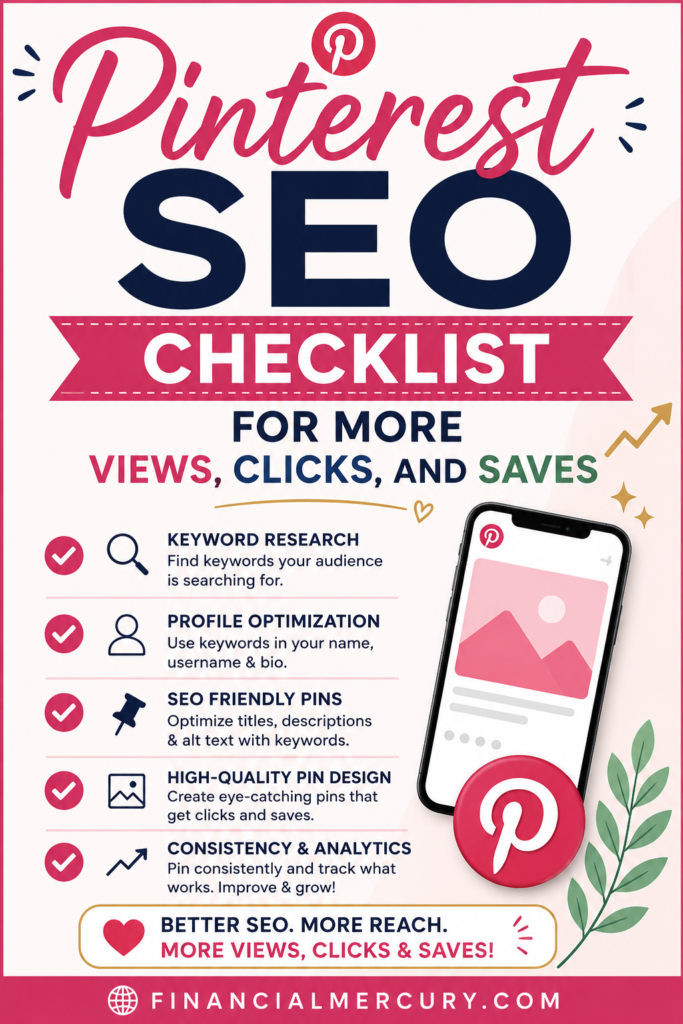
Save the pin for later

- How I Make Money on Pinterest Pinning in 2026 - June 23, 2026
- How to Research Pinterest Keywords for Blog Posts In 2026 - June 23, 2026
- How to Set Up Google Search Console for a Blog - June 23, 2026