
 Vivien Robert
Money feels a lot less messy when you have the right app in your hand. A good budgeting app for beginners can turn receipts, bank alerts, and forgotten subscriptions into one clear picture you can use.
The best app for you depends on how you spend, how hands-on you want to be, and how comfortable you are with tech. Some people want automatic tracking, while others do better with simple manual entry and a tighter budget system.
That’s why this guide focuses on practical fit, ease of use, and real value, not flashy features that look nice and get ignored. If you’re starting fresh, the next section will help you narrow the choices fast.
What beginners should look for in a budgeting app
The best budgeting app for a beginner does one job well: it makes your money easier to see. If the screen feels crowded or the setup takes too long, most people stop using it before the first month ends.
That is why simplicity matters more than a long feature list. A good app should help you track spending, spot trouble early, and build confidence without making money feel harder than it already is.
A clean setup beats a crowded screen
Beginners usually stick with an app when it feels calm from the first tap. Clear menus, short setup steps, and a dashboard that shows the big picture right away can make the difference between a habit and another abandoned download.
Look for an opening screen that answers simple questions fast:
- How much money came in?
- How much has already gone out?
- What is left for the rest of the month?
A strong dashboard works like a clean kitchen counter. You can see what matters, and you do not have to move three things to reach one. Apps that bury this view under extra tabs or busy charts often feel tiring before they feel helpful.
The most beginner-friendly apps also keep category tracking easy to understand. If you can glance at groceries, gas, rent, and fun money without hunting through menus, you will use the app more often. Goodbudget’s envelope-style setup is a good example of a simple system that feels familiar, since it breaks money into clear buckets rather than throwing everything into one pile.
If you want a second opinion on feature sets, NerdWallet’s budget app guide compares several common options in a way that is easy to scan.
If a budgeting app feels like homework on day one, it will probably feel like homework on day ten.
Manual entry, bank sync, or both
Budgeting apps usually come in three styles. Some ask you to type expenses in by hand. Others connect to your bank and pull transactions automatically. A few let you use both.
Manual entry takes more effort, but it can sharpen awareness. When you type in each coffee, ride share, or grocery run, you notice habits faster. That extra pause can help beginners slow down spending and stay honest with themselves.
Bank sync saves time, which matters if you hate admin work. Once your accounts are linked, the app can sort transactions, update balances, and reduce the need for daily check-ins. That can be a relief when life is busy.
A mix of both often works best. You can link your main account for convenience, then enter cash spending or irregular purchases by hand. That gives you speed without losing control.
Privacy matters here, too. Some beginners do not want to connect their bank accounts right away, and that is completely reasonable. A good app should still be useful if you start small and connect later, after you feel comfortable with the setup. For a fuller look at simple envelope budgeting, Goodbudget’s home budget app shows how manual tracking can work without overwhelming you.
 ### Free plans, trial limits, and upgrade costs
Price matters, but value matters more. Many budgeting apps advertise free access, then lock the useful parts behind a paid plan. Before you commit, check what the free version really includes.
Some apps are still helpful without payment. Others only give you a thin preview, then push you toward an upgrade. That can be frustrating if you are trying to build a budget on a tight income or just testing the waters.
Pay attention to these questions:
- Can you track spending without paying?
- Are bank sync, alerts, or reports locked?
- Does the app still feel complete on the free plan?
- Is the trial long enough to test your actual habits?
The goal is not to find the cheapest app. The goal is to find one that gives you enough value to keep using it. A paid app can be worth it if it saves time, reduces stress, and gives you alerts before overspending gets out of hand. Forbes also has a helpful overview of the best budgeting apps if you want to compare how different apps handle free and paid features.
A beginner-friendly app should feel useful on day one, even if you never upgrade. If it does that, you have found a strong place to start.
The best budgeting apps for beginners in 2026
The strongest beginner budgeting apps in 2026 have one thing in common, they make money feel easier to manage. They focus on clarity, automation, and low stress, so you spend less time guessing and more time making steady choices.
That matters because beginners rarely need a complex money system on day one. They need a clean start, a simple habit, and a screen that does not feel like a tax form. The apps below do that in different ways, so you can pick the one that fits your style.
 ### Waypoint Budget for the easiest first step
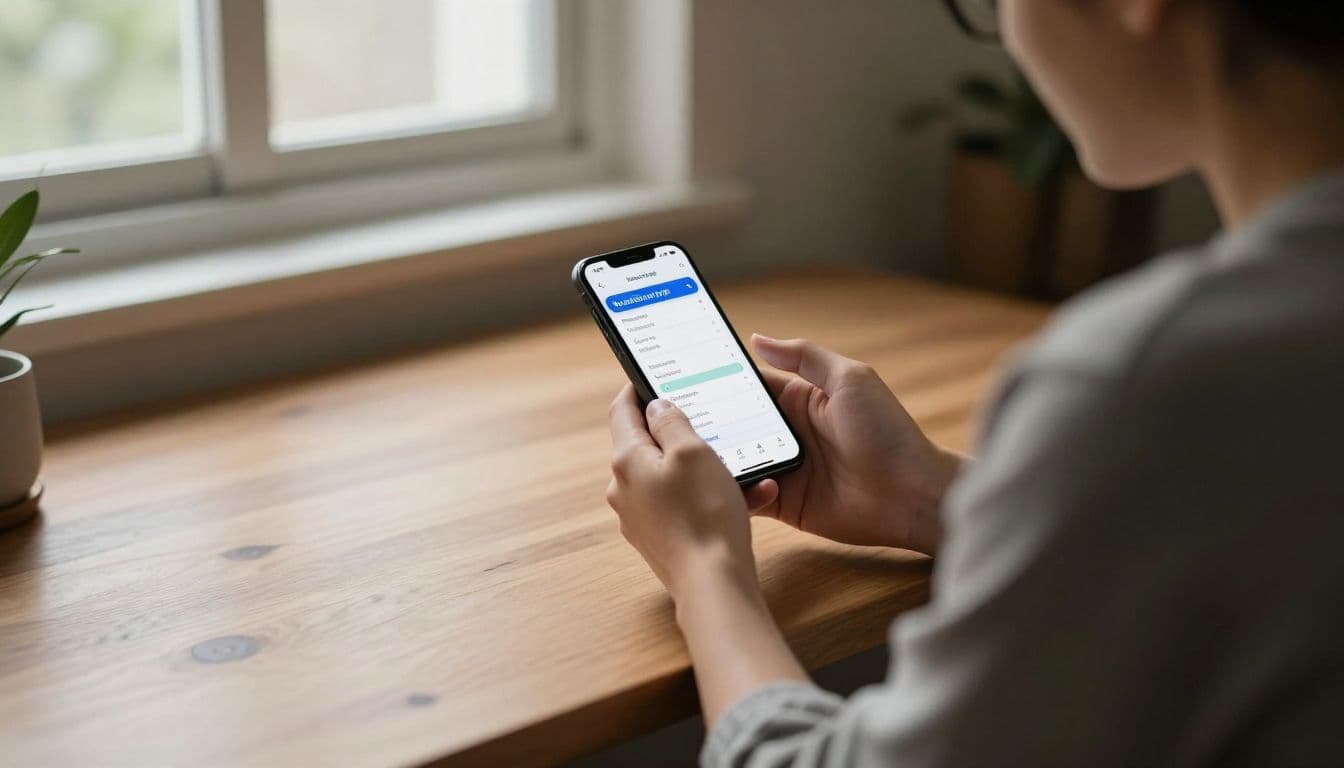
Waypoint Budget is the easiest place to begin if you want a gentle entry into budgeting. It keeps setup fast, and it does not force you to link bank accounts right away, which helps if you want to start small and stay in control.
That simple start can make a big difference. Instead of feeling dragged into a full money overhaul, you get a clean dashboard and a clear first view of your spending. The app also includes a smart money coach, receipt scanning, and a simple layout that helps beginners feel confident instead of crowded.
Waypoint works well for people who want to build the habit before they build the system. If you are new to budgeting, that matters more than a long feature list.
Goodbudget for envelope-style spending
Goodbudget is a strong fit if you like the old envelope method, only in a digital form. Your money gets divided into virtual envelopes for things like groceries, rent, travel, and fun spending, so category limits stay easy to see.
That setup helps you slow down before you spend. Manual entry makes each purchase feel more real, and that pause can keep small expenses from slipping through the cracks. For many beginners, that tiny delay is where better habits start.
It also works well for couples. Shared envelopes make it easier to stay on the same page, which reduces the back-and-forth that often comes with shared bills and shared goals. For a quick look at the platform, Goodbudget’s home budget app shows the envelope-style approach in action.
EveryDollar for zero-based budgeting
EveryDollar is a good choice if you want every dollar to have a job. That is the heart of zero-based budgeting, and it gives beginners a clear rule to follow instead of a vague goal to “spend less.”
The structure helps with bills, savings, and debt because it puts your money to work on purpose. You decide where each dollar goes before it disappears into random spending. That can feel surprisingly calming, especially if your finances have felt scattered for a while.
Its layout is simple enough for beginners, but still structured enough to support real progress. If you like clear plans and short lists, EveryDollar makes budgeting feel direct without getting too technical.
PocketGuard, YNAB, Monarch Money, and Copilot
These four apps all suit beginners, but each one solves a different problem. The right choice depends on what you want to see first.
| App | Best for | Standout feature | Why a beginner might choose it |
|---|---|---|---|
| PocketGuard | Seeing spendable money fast | Shows how much is safe to spend | It answers the biggest daily question quickly |
| YNAB | Learning a stronger system | Zero-based budgeting with full control | It teaches you how to plan every dollar |
| Monarch Money | Couples and full-picture tracking | Net worth, accounts, and goals in one place | It helps you see shared finances clearly |
| Copilot | iPhone users who want polish | Smart automation and a clean design | It feels modern and easy to keep using |
PocketGuard is great when you want a fast answer, not a long lesson. It helps you see what is left after bills and goals, which is useful when you just want to know what you can spend today. If you want a clearer breakdown, Forbes’ budgeting app roundup compares several popular choices in one place.
YNAB asks more from you, but it gives more back. It suits beginners who are ready to learn a real money system and stick with it. Monarch Money feels stronger for couples or anyone who wants to track net worth alongside spending. Copilot, meanwhile, is a smart pick for Apple users who care about design and want the app to feel as polished as the phone in their hand.
If you want the simplest start, choose an app that matches your habits, not your hopes. The best budgeting app is the one you will still open next week.
How to choose the right app for your money style
The best budgeting app is the one that fits the way you already live. If you pick an app that fights your habits, you will stop opening it. If you pick one that matches your routine, it starts to feel like a useful part of the day.
Begin with your real money goal, then look at how much effort you can give. A good app should make your next step easier, not add another chore to your list.
 ### Pick based on your main goal
Your main goal should lead the decision. If you want to see where your money goes, choose an app with strong spending categories and clear charts. If you want to pay down debt, pick one that helps you assign every dollar before it disappears. If savings is the priority, look for goal tracking and automatic transfers.
Some beginners want a simple spending map. For them, an app like PocketGuard makes sense because it shows what is left after bills and goals. That answer is helpful when you just want to know if you can order takeout or skip it.
Other people need structure more than speed. If you are trying to wipe out credit card debt, a zero-based app like EveryDollar or YNAB gives every dollar a job. That kind of system keeps your money focused instead of drifting.
Savings goals need a different kind of support. You may want visual progress bars, separate buckets, or reminders that keep your goals in sight. If you are saving for a trip, an emergency fund, or a move, that visible progress can keep you from pulling money back out too soon.
For shared goals, a household-friendly app matters more than a solo one. Goodbudget and Monarch Money both handle joint planning better than many single-user apps. A couple trying to cover rent, groceries, and debt will need more shared visibility than someone budgeting alone.
Choose the system you will actually use
A simple app used often beats a powerful app ignored after a week. That is why your daily habits matter more than the app’s best features. If you hate manual entry, do not choose a tool that depends on it. If you like checking numbers by hand, an automatic app may feel too passive.
The right choice should match your real rhythm. A busy parent may need bank sync and quick alerts. A student with a small budget may do better with a basic app that takes two minutes a day.
Beginners also run into decision fatigue when an app asks too much too soon. Too many categories, too many screens, and too many settings can drain your energy fast. Realtime usage data backs this up, since many beginners feel overwhelmed by rigid rules or crowded dashboards.
A good test is simple. Ask yourself what you will still do on a tired Tuesday night. If the app only works on your best days, it is the wrong fit.
If your budget app feels like a second job, you picked too much app and not enough help.
Before you choose, think about your own behavior:
- If you track purchases closely, use an app with clear transaction history.
- If you forget bills, choose one with alerts and due-date tracking.
- If you want less spending, pick a plan that shows your safe-to-spend amount.
- If you want less stress, go with a clean app that opens fast and stays simple.
For a broader comparison of feature sets, Forbes Advisor’s budgeting app roundup is a useful side-by-side check before you commit.
Think about whether you budget alone or with someone else
Shared money changes the app you should pick. Couples, roommates, and families need visibility, shared access, and fewer gaps in communication. If one person tracks everything while the others stay in the dark, budgeting turns into guesswork.
A shared app works best when both people can see the same numbers. That helps with rent, groceries, children’s expenses, and shared savings goals. It also cuts down on those awkward “Where did the money go?” conversations that pop up at the worst time.
Goodbudget works well for shared envelopes, while Monarch Money is stronger for couples who want a full financial view. If you split bills with a roommate, you may want an app that shows shared expenses without forcing a full joint-money setup. That balance matters, because not every shared living situation needs the same level of access.
If you budget with a spouse, look for these features first:
- Shared login or partner access
- Clear household categories
- Alerts for bills and overspending
- Simple goal tracking that both people can follow
The best app for shared money is the one that keeps both voices in the room. When everyone can see the same plan, the budget feels less like a secret and more like a team decision.
Easy first-week habits that make budgeting stick
A budgeting app can give you the numbers, but habits give those numbers a job. During the first week, keep things small and repeatable. That is how money tracking starts to feel normal instead of heavy.
 ### Start with one small money check-in each day
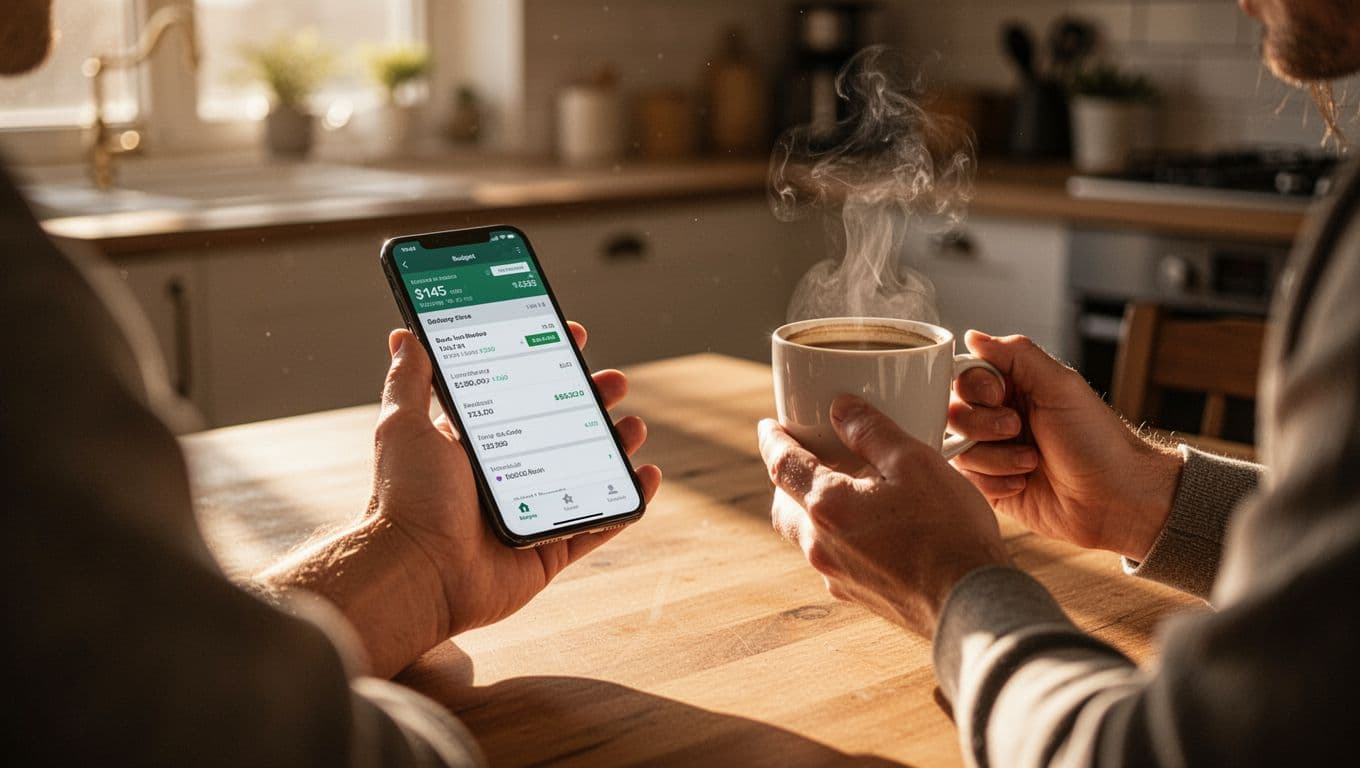
Pick one moment that already exists in your day, then attach a quick app check to it. Coffee in the morning works well, and so does a few minutes before bed. Open the app, look at yesterday’s spending, and notice whether anything feels off.
That tiny habit builds awareness without draining your energy. You do not need to fix every problem at once. You only need to notice patterns before they grow teeth.
A daily check-in can be as simple as this:
- Open the app once.
- Scan yesterday’s purchases.
- Confirm that recent charges look right.
- Close it and move on.
That kind of routine works because it fits real life. When you keep the task small, you are more likely to repeat it. Over time, the app stops feeling like a chore and starts feeling like a quick financial mirror.
Set one weekly money date
Choose one day each week for a short review. Ten to fifteen minutes is enough. During that time, check spending, upcoming bills, and any larger expense coming up, like gas for a trip or groceries for the week.
Keep the tone calm. This is not a punishment session, and it does not need perfect numbers. You are simply giving your money a regular appointment, the same way you would check a calendar or pay a bill on time.
If you want a simple structure, use this order:
- Look at what you spent.
- Check what bills are due soon.
- Note any expense that needs attention next week.
The Consumer Financial Protection Bureau’s budget worksheet guidance also reinforces the value of listing bills and expenses clearly. That kind of review keeps surprises smaller and makes the next week easier to handle.
Use categories that match real life
Keep your first categories plain and familiar. Food, bills, gas, savings, and fun money are enough to begin with. If you add too many labels, budgeting starts to feel like filing paperwork.
Simple categories help you see where your money actually goes. They also make it easier to stay honest. A coffee run, a grocery top-up, and a takeout meal should not all hide inside one giant “miscellaneous” bucket.
Start with a few categories you will recognize at a glance:
- Food
- Bills
- Gas
- Savings
- Fun money
You can always add more later if you need them. For the first week, the goal is clarity, not perfection. A budget that feels light enough to keep using is better than one that looks clever and gets abandoned by Friday.
A steady routine matters more than a flawless one. If you open the app, check in once a day, review it once a week, and sort each expense into a clear category, you give your budget a real chance to stick.
Common mistakes beginners make with budgeting apps
A budgeting app can feel like a fresh start, but the wrong setup can make it feel useless fast. Most beginners do not fail because they lack discipline. They usually stumble because they try to do too much, too soon.
The good news is that these mistakes are fixable. If your budget feels messy, that does not mean you chose the wrong app forever. It usually means you need a simpler setup, a smaller target, and a little more patience with the process.
 ### Trying to do too much on day one
Many beginners open a budgeting app and try to build a perfect system right away. They link every account, create too many categories, set savings goals, track debt, and start color-coding expenses before the week is over. That kind of setup looks organized, but it drains energy fast.
A better approach is to start with the basics. Track income, list core bills, and watch your main spending for a week or two. Once that feels normal, add more detail only where it helps.
Keep the first version simple:
- One or two main accounts
- A short list of categories
- One clear savings goal
- One weekly review
A budget should feel like a working tool, not a school project. When you start small, you give yourself room to learn how you spend without getting buried in settings. That lighter start often leads to better habits, because it is easier to keep using.
Letting alerts replace awareness
Spending alerts can help, but they are not the whole job. A notification tells you something happened. It does not tell you why it keeps happening, or what pattern is hiding underneath.
If your app pings you every time you spend, pause and look at the trend. Are groceries running high because you shop without a list? Are weekend orders adding up faster than you expected? Are small charges draining your balance one tap at a time?
That kind of awareness matters more than constant pop-ups. The Consumer Financial Protection Bureau’s budget guidance also points to the value of regular review, because a budget works best when you actually look at the numbers.
Use alerts as an early warning, not a replacement for thinking. A message on your phone is useful. A quick review of your spending is better. Together, they help you catch a problem before it turns into a hard month.
A good alert should start a habit, not do the habit for you.
Quitting after one messy week
One bad week can make a beginner feel like the whole app failed. Maybe you overspent on food, forgot to log cash purchases, or got hit with an expense you did not plan for. That happens. It does not mean the budget is broken.
Messy weeks are part of real life. A birthday, a car repair, or a stressful work stretch can throw off even a solid plan. The key is to reset instead of disappear.
Start by checking which category got off track, then ask what changed. Did your grocery budget feel too tight? Did you forget to include an irregular bill? Did you set goals that were too aggressive for your actual income?
Then make a small correction:
- Adjust the categories that were too low.
- Move unused money where it is needed.
- Review next week with fresh numbers.
- Keep tracking, even if the week was rough.
Do not wait for a perfect month to begin again. The habit grows when you return after a bad stretch. That is how budgeting becomes part of everyday life instead of a short burst of effort.
Linking too many accounts too soon
Bank sync is useful, but beginners often rush into it without thinking. They connect every card, checking account, savings account, and loan all at once, then feel overwhelmed by the flood of transactions.
You do not need to connect everything on the first day. Start with the account you use most often, then add others only if they help you see the full picture. If you already feel nervous about sharing financial data, begin with manual entry and move at your own pace.
That slower start can make the app feel safer and easier to understand. It also helps you notice how the app handles real spending before you add more moving parts. For many people, the smartest path is simple first, automatic later.
Setting budgets that do not match real life
Another common mistake is building a budget around hope instead of habits. People set tiny grocery limits, strict fun-money caps, and savings goals that leave no breathing room. Then one normal week blows the plan apart.
A budget works best when it reflects your actual life. If you buy lunch twice a week, budget for lunch. If you need gas every few days, include that too. If your monthly costs change, build a little space into the plan.
The goal is steady progress, not punishment. A budget that feels too tight often gets abandoned, while a realistic one can last long enough to matter. That is the difference between a plan you admire and a plan you use.
A beginner-friendly app should help you see the truth of your money, not pressure you into an unrealistic version of it. When you keep the setup simple, stay aware of your spending, and reset after rough weeks, the app starts to feel helpful again.
Conclusion
The best budgeting app for beginners is the one that feels clear, calm, and easy to open every day. If it helps you see your money without stress, you will stick with it longer.
Start simple, then add more advanced tools only when you need them. A clean budget, a quick check-in, and a few small categories can do more for your money than a crowded app you avoid.
When your money is organized into small, manageable pieces, it feels lighter right away. That is the real win, and it gives you a steadier place to grow from.
Save pin for later’

- How to Find Long-Tail Keywords for Your Blog - June 29, 2026
- Pinterest SEO for Bloggers - June 27, 2026
- How to Do Keyword Research for Beginners - June 27, 2026