 Onwe Damian Chukwuemeka
Effective pin descriptions serve a dual purpose by helping Pinterest categorize your content while convincing users to click. When you write for both search engines and human readers, your pins appear in more relevant results and drive consistent traffic to your site.
Think of your description as the bridge between a casual browser and an engaged visitor. You need to provide enough context so that Pinterest understands the topic of your pin while keeping the language natural for the person reading it. Using Pinterest SEO best practices ensures your content reaches the right audience.
The best descriptions focus on one clear idea and front-load your primary keyword. By keeping your text descriptive yet concise, you encourage users to act on the information they see. Following these habits consistently is a core part of strategies for making money on Pinterest, as every click represents a potential conversion.
What a strong pin description actually does
A pin description acts as the primary translator between your content and the Pinterest search engine. While the platform excels at visual discovery, its algorithm relies on the text you provide to categorize your work accurately. A well-written description provides the necessary context that computers need to place your pin in front of the right audience at the right time.
Why Pinterest uses descriptions to understand your content
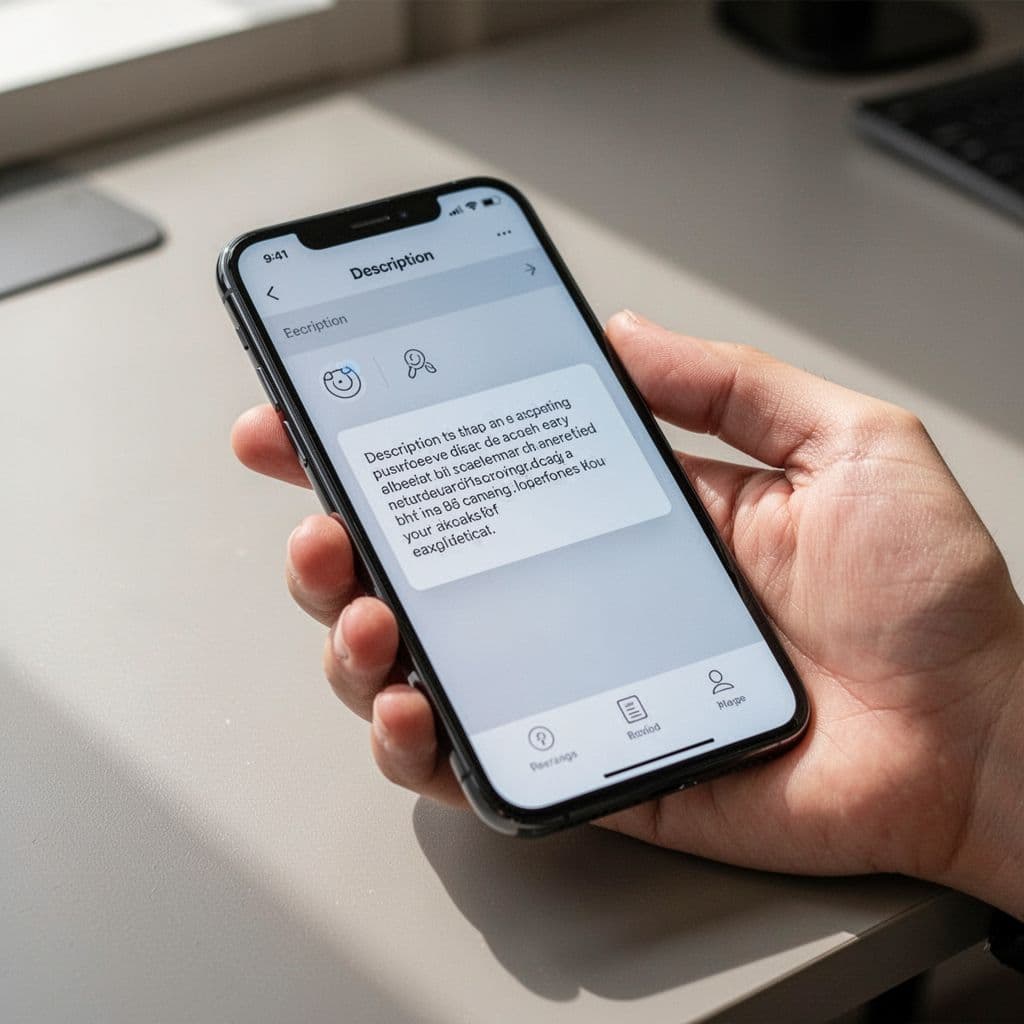
Pinterest operates as a visual search engine, meaning it looks at your image and your text simultaneously to determine relevance. When you include clear, specific wording, you give the platform a roadmap for your topic. This text identifies your niche, target audience, and the specific intent behind your post.
Because the system parses this information to find matches, using descriptive language helps your pins appear in more relevant search results. If you write naturally, you also help your content surface in related ideas or “more like this” suggestions. By treating your description as an essential metadata tool, you provide Pinterest SEO best practices that guide the algorithm toward your ideal reader.
Why people click when the description feels useful
Beyond the algorithm, your description serves as your best opportunity to convince a browser to become a visitor. Readers often scan the description to answer one simple question: “What will I get if I tap this?” A strong description highlights the value of your content, showing the reader exactly how it solves a problem or satisfies their curiosity.
Instead of relying on hype or vague promises, focus on clarity and genuine utility. When your copy sets clear expectations, you build immediate trust. Users are far more likely to engage with a link when they understand the benefit of the destination. Following these principles is a primary way to improve how to get more clicks from Pinterest and keep your audience interested.
What happens when the description is vague or stuffed with keywords
Weak descriptions often fall into two traps: they are either too broad to be helpful, or they are stuffed with repetitive keywords that sound robotic. Vague copy leaves the reader guessing, which usually results in them scrolling right past your pin. On the other hand, aggressive keyword stuffing creates a poor user experience and can make your content seem like spam.
When you ignore the human element of your copy, you sacrifice credibility. A description that lacks a natural flow is often penalized by both the reader’s eye and the algorithm’s quality filters. Aim for a balance where you address search intent while speaking directly to a person. If you struggle to find the right words, keep in mind that optimizing Pinterest descriptions always favors helpful, readable content over hidden technical hacks.
Optimize your pin descriptions for search and discovery
Writing a high-performing pin description is about balancing search intent with a human-readable flow. When you focus on clarity and structure, you help the Pinterest algorithm connect your content with the right people.

Put the most important phrase near the front
Your primary keyword should appear within the first 50 to 60 characters of your description. This placement acts as a strong signal to the Pinterest algorithm, clarifying your topic before the reader even scrolls. Most users scan content rapidly, so front-loading your keyword helps them understand the value of your pin immediately.
If your description starts with a punchy, keyword-focused sentence, you improve your chances of appearing in relevant searches. Keep this opening line short and specific. Think of it as a headline that explains exactly what someone will gain from your content. A clear start ensures both the platform and the person viewing your pin know exactly what to expect.
Use natural wording instead of exact-match repetition
You want your writing to feel human and helpful, not like a collection of search terms pasted together. Instead of forcing your keyword into every sentence, integrate it into a natural, conversational structure. Readers appreciate a flow that feels genuine, and the Pinterest algorithm is smart enough to recognize topical relevance without robotic repetition.
Use small variations of your main keyword to add depth to your message. For instance, if you are writing about “home office decor,” you might include phrases like “office desk setup” or “workspace inspiration” later in the text. Simple sentence structures often work best here. By keeping your language accessible, you maintain engagement while still signaling to search engines that your content is valuable. Remember that when you figure out the optimal posting schedule for Pinterest, you have more time to polish these descriptions and improve your overall reach.
Match the description to the Pin image and the landing page
Consistency is a pillar of trust on Pinterest. Your description needs to reflect what is shown in your image and what the reader finds once they click through to your website. If your pin shows a specific recipe but your text leads to a general lifestyle blog, you create a disconnect that harms your credibility and click-through rates.
When your copy aligns perfectly with your visual and your destination, you encourage users to engage further. This cohesion confirms for the reader that they are in the right place. According to industry guidance on Pinterest SEO, setting clear expectations from the start leads to better traffic quality. Keep your descriptions honest and specific to the exact content piece you are sharing. This approach reduces bounce rates because the people arriving at your site are those who truly wanted to find your solution.
Support your main topic with related search phrases
Building an effective description is about more than just your primary keyword. You need to provide the Pinterest algorithm with enough context to understand the broader scope of your content. By adding a few related phrases that users genuinely type into the search bar, you help your pin appear for a wider range of relevant queries. Focus on depth instead of stuffing, as two to three supporting terms are usually enough to guide the search engine without cluttering your message.
Choose supporting phrases that people really search for
The best way to find these terms is to use the Pinterest search bar itself. As you type your main topic, the platform displays an autocomplete list of phrases people currently search for. These are not guesses; they reflect real user behavior. You can also look at the colorful suggestion buttons that appear under the search bar after you hit enter.

When you select these terms, choose ones that represent what a real person would type when looking for your specific content. For example, if you write about “budget planners,” you might see suggestions like “printable budget tracker” or “monthly expense sheet.” Including these specific terms helps your pin land in front of users who know exactly what they need. You can find more detail on this process in this ultimate guide to Pinterest keywords to refine your selection.
Use topic words that add context, not noise
Your supporting words should strengthen the meaning of your description rather than repeating the main phrase. Think of your keywords as building blocks that tell a complete story. If your main topic is “small bedroom ideas,” adding “space-saving organization” or “minimalist decor” adds value. These terms signal to the algorithm that your content addresses specific needs or styles.
Avoid the trap of listing words that don’t belong together just to hit a search volume target. Helpful context often includes:
- Audience type: Who is this for, such as students, busy parents, or hobbyists?
- Use case: What problem does this solve, like quick dinners or weekend projects?
- Style: Does this follow a specific aesthetic, such as modern, rustic, or colorful?
By narrowing your focus to these details, you keep the algorithm happy while providing a better experience for the reader.
Keep the sentence readable after you add extra terms
A high-quality description must sound like a normal person wrote it. If you have to twist your grammar to fit a keyword in, stop and rewrite the sentence. Readers value clarity, and a forced sentence often makes users ignore the pin entirely.
Read your final description out loud before you publish. If a phrase feels awkward or sounds like you are just listing keywords, remove it or adjust the sentence structure. Natural language connects better with your audience and builds more trust. Remember, your goal is to help a human find the answer they need. If the writing is smooth and easy to follow, the search engines will recognize your content as high quality.
Sell the outcome through your description
Successful pin descriptions do more than label your content. They connect your topic to a specific result the reader wants to achieve. People visit Pinterest to find solutions to problems, inspiration for projects, or ways to simplify their daily routines. When you write a description, you show the reader exactly how your content makes their life better. This approach shifts the focus from what the pin is to what the reader gains by clicking.
Make the value obvious in plain language
Your description should bridge the gap between a user’s current challenge and your solution. Instead of listing attributes of a blog post, explain the transformation the reader experiences after visiting your site. Think of your description as a promise of value. If you offer a guide on time management, do not just say it covers tips. Tell the reader they will save two hours every day or finally clear their to-do list by noon.
When you frame content as an outcome, you answer the reader’s most pressing question. They want to know what they gain from investing their time in your link. You can refine this skill by testing different frames for your content, which is a core part of building sustainable Pinterest marketing strategies. By focusing on the result, you turn a passive browser into an active, interested visitor.
Use specific details so the Pin feels useful
Abstract claims rarely drive clicks because they lack the weight of reality. Readers trust content that offers concrete, verifiable details. When you describe your pin, include specific numbers, time frames, or target results. These details act as proof that your content delivers on its promise. They also help search engines categorize your work with greater precision.
Consider these ways to ground your description in useful detail:
- Mention time: Tell readers how quickly they can complete a task, such as a 15-minute meal or a 10-minute morning routine.
- Identify the audience: Clarify who the content helps, whether it is busy parents, small business owners, or college students.
- Provide measurable outcomes: Use numbers to describe success, such as “save $200 on groceries” or “grow your list by 50 subscribers.”
Specifics provide a clear target for the reader. They know exactly what to expect before they click, which leads to better traffic quality on your website.
Avoid vague promises that do not say enough
Generic phrases like “great ideas” or “helpful tips” are easy to write but difficult for users to process. These terms lack the substance needed to stand out in a busy feed. If your description does not explain why an idea is great or what makes the tips helpful, you lose the opportunity to convert a casual viewer. Vague language treats all content as equal, which forces the reader to guess the value of your link.
Clear outcomes work because they set the right expectations. When a reader knows exactly what to expect, they feel more confident in their decision to click. This practical framework for optimizing pins shows that high-performing content moves past generic hype. Replace empty adjectives with descriptive nouns and verbs. Show the reader a concrete benefit, and they will naturally reward you with higher engagement and more consistent site traffic.
Choose the right call to action for the goal of the Pin
Every pin needs a clear path forward for the reader. When you align your closing statement with the specific intent of your content, you make it easy for users to take the next step. A well-placed prompt acts as a bridge between the inspiration they see on the screen and the action you want them to complete.
Match your language to the specific type of content you are sharing. Different goals require different approaches:
- Blog posts: Use phrases like “Read the full guide” or “See the step-by-step breakdown” to encourage clicks to your site.
- Product pins: Direct the user with action-oriented text such as “Shop the collection” or “Find your perfect fit today.”
- Printables or guides: Clearly state what they receive, such as “Download your free checklist” or “Grab the resource here.”
- Inspirational ideas: If your goal is to grow your reach, invite users to “Save this to your board” or “Keep this idea handy for later.”
When the prompt matches the outcome, you build trust with your audience. They arrive at your site expecting a specific result, which often leads to longer visits and more engagement. If you need help refining your overall approach to attract more readers, it helps to master the 4U formula for titles to pair with your description.
Keep the CTA short and easy to follow
Simplicity is the most effective tool in your writing kit. A clear, direct instruction removes the friction of decision-making for the reader. You don’t need to overexplain or use multiple verbs in a single sentence to get your point across.
Avoid the temptation to pack several requests into your closing line. Telling a user to “click the link, share this pin, and follow my profile” creates confusion. They will likely do nothing because the instructions feel overwhelming. Instead, choose the single most important action you want the reader to take.
A single, punchy phrase remains the gold standard for high-performing pins. Phrases like “Learn more here” or “Save this for later” are readable in seconds, even for users who are scrolling quickly. Focus on being concise to maintain the natural flow of your description. By keeping your closing line brief, you ensure your message sticks with the reader long after they move to the next pin. If you are struggling with how to structure your content effectively, remember that building healthy long-term money habits requires the same focus on simplicity and consistency.
Pick one clear action for your next pin and use it as your closing line to see how your engagement changes.
Use a simple formula that makes writing faster
You don’t need to reinvent the wheel for every pin you publish. When you rely on a consistent writing structure, you remove the guesswork that slows down your content creation. A repeatable formula acts as a skeleton for your text, allowing you to fill in the blanks quickly while maintaining high quality. This approach is especially useful when you need to batch your work for the week or month ahead.

Build descriptions from a repeatable sentence pattern
A basic structure ensures every pin you create follows the same logical flow. You can start with your primary keyword to satisfy the search algorithm and follow it with a clear benefit to hook the human reader. Finishing with a direct call to action closes the loop, guiding the user toward the next step.
Using this proven structure for pin descriptions allows you to keep your messaging consistent across your entire profile. Instead of staring at a blank cursor, you simply drop your specific details into a tested format. This reduces mental fatigue, makes batch scheduling much faster, and prevents you from forgetting the essential elements that actually drive clicks.
Adjust the formula for different Pin types
You can flex the same foundation to fit different content formats without losing your rhythm. While the core ingredients remain the same, your tone and prompt should shift to match the goal of the pin. A recipe pin needs a different hook than a product announcement or a high-value lead magnet.
For a blog post, focus on the information the reader gains, such as “learn how to” or “see the full guide.” When you promote a product, shift your tone to be more persuasive by highlighting a specific problem the item solves. If you offer a free download or checklist, keep your call to action sharp to emphasize the immediate value. By adjusting your language for each goal, you maintain the same efficiency while speaking directly to the intent of your audience.
Use examples to make the formula feel real
Seeing how a structure works in practice clarifies why it saves so much time. A strong description feels natural because it focuses on a specific outcome rather than just stringing search terms together.
Consider these two approaches to the same topic of budget planning:
- Weak example: Budget planner for everyone. Best budget planner. Easy to use. Click now.
- Strong example: Use this printable budget planner to track your monthly expenses and save more money. Learn a simple system that helps you stay on track without the stress. Click to download your free copy.
The strong example uses the formula to provide context, benefit, and a clear next step. It sounds like a helpful recommendation from a friend, which is why it succeeds. When you keep your writing focused on these components, you ensure every pin you post serves a clear purpose.
Avoid the most common Pinterest description mistakes
Even seasoned creators stumble when they write pin descriptions. Small errors can easily derail your reach or discourage potential readers from visiting your site. Pinning is not just about posting content; it is about providing clear, helpful information that solves a problem. When you know which pitfalls to dodge, your pins stand out in search results and earn more clicks.

Do not repeat the same keyword too many times
Keyword stuffing is an outdated tactic that hurts your credibility. When you cram a phrase into every sentence, your writing feels robotic and difficult for a human to read. Search engines prioritize content that is natural and helpful. If you force a keyword too often, you trigger quality filters that may hide your pin from search results.
Instead, write one clear, natural sentence that features your primary keyword. You can then use related terms or synonyms to provide extra context. This approach makes your description flow like a conversation rather than a list of search terms. You only need to mention your main keyword once or twice to show the platform what your content is about.
Do not write descriptions that are too vague
Vague copy leaves readers guessing what your pin actually offers. If your description could apply to anything, it serves no one. Phrases like “check out this cool idea” or “amazing tips for your home” do not give the user a reason to click. A reader should know exactly what they will find on your website before they interact with the pin.
Specificity helps your pin perform well in a crowded feed. Tell the reader what problem your content solves or what specific value it provides. For instance, instead of saying “great dinner ideas,” try “15-minute healthy pasta recipes for busy weeknights.” Being specific builds immediate trust and attracts the right audience to your site.
Do not forget to match the copy to the landing page
Misleading descriptions create a poor user experience and damage your reputation. Your pin description acts as a promise to the person who sees it. If your text promises a detailed tutorial but leads to a general home page, the visitor will leave immediately. High bounce rates signal to search engines that your content does not satisfy the search intent.
Ensure the hook in your description directly reflects the content of your landing page. If you show a specific product or recipe, the text must point directly to that destination. When the content matches the promise, visitors are more likely to stay and explore your site further. You can see how writing good Pinterest descriptions helps bridge the gap between initial discovery and meaningful engagement on your blog.
A quick checklist for writing better pin descriptions every time
Consistency defines your success on Pinterest. When you establish a standard process, you produce high-quality descriptions that capture attention and perform well in search results. Use this checklist as your final review before you hit publish to ensure every pin is ready for your audience.

Check for clarity, search intent, and flow
A final read-through identifies awkward phrasing and ensures your message connects instantly with the reader. Because mobile users often scroll quickly, your description needs to deliver value without forcing the user to guess the topic. Read the text aloud to catch rhythm issues. If you stumble over a sentence, rewrite it until it flows naturally.
- Confirm your main keyword appears near the front to satisfy search algorithms.
- Answer the user’s intent by stating the primary benefit of the content within the first two lines.
- Verify the flow by listening to the text. It should sound like a helpful suggestion rather than a robotic list of terms.
- Remove filler words or repetitive keywords that add length but provide no additional context to the reader.
High-quality copy is concise and purposeful. When your description makes sense within seconds, you increase the likelihood of a click. You can learn more about balancing these elements by reviewing best practices for writing descriptions.
Check that the description fits the Pin and the audience
Your description is a promise. It must accurately reflect the visual content in your pin and the reality of the destination page. If your image shows a budget planner, your text should address budget planning directly. A mismatch between your promise and the landing page confuses visitors and increases your bounce rate.
Focus on the specific person you want to attract. Use language that speaks to their needs, preferences, and goals. When you mirror the expectations of your target audience, you build immediate trust. A description that delivers on its premise turns a passive scroller into an engaged site visitor.
Consider these final points to verify your alignment:
- Image context: Does the description describe exactly what is shown in the graphic?
- Landing page value: Is the outcome mentioned in the description waiting for the user when they arrive at your site?
- Audience relevance: Does the tone match the person who searches for this specific topic?
- Clear call to action: Does the ending tell the user exactly what to do, such as reading the guide or downloading the resource?
Consistency builds a reputation for quality, which encourages users to save your content and return to your profile later. By applying these standards to every post, you maintain a professional presence that supports your long-term Pinterest marketing goals. Keep your focus on utility and clear communication to get the best results from your efforts.
Conclusion
Success on Pinterest relies on your ability to connect with people before you try to please an algorithm. A high-quality pin description is clear, uses keywords in a natural way, and explains the exact value a user finds when they click. When you write for humans first, search engines naturally follow because your content provides the specific answers that users are seeking.
Remember the simple formula of keyword, benefit, and action for every post. Start with your primary keyword to define the topic, explain the outcome the reader receives, and end with a short, direct prompt for the next step.
Practice this structure consistently with every new pin to build a reliable habit. This approach turns your descriptions into consistent traffic drivers for your website. Keep your text focused on utility, stay honest about what your link provides, and watch how these small refinements translate into better engagement.
Save the pin for later

- How I Make Money on Pinterest Pinning in 2026 - June 23, 2026
- How to Research Pinterest Keywords for Blog Posts In 2026 - June 23, 2026
- How to Set Up Google Search Console for a Blog - June 23, 2026